

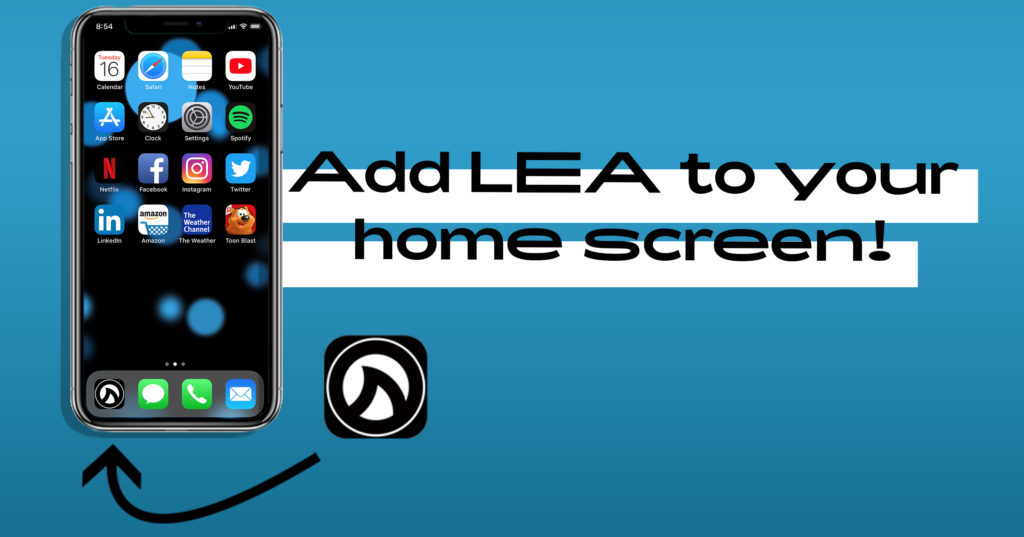
Add LEA to your Home Screen: Want to reference our website to customers or looks up our product specs? A shortcut to our website will save time and effort when you access LEA Professional. PLUS, our shark fin logo looks killer alongside your favorite mobile apps 😎.
So, we’ve made a quick info-graphic to help get you started. Follow the instructions on this guide to add our shark fin icon to your home screen. Then you’ll be ready to start showing off the LEA site!
By adding LEA to your Home Screen, you’ll get instant access to view: product spec, blog content, locate your nearest LEA sales partner and more! And our site is always evolving. With our shark fin icon on your home screen, you’ll always have quick access to the latest updates.
*Note: These instructions are for IOS devices using the Safari web browser only.

If you have any trouble adding lea to your device home screen, please reach out to us on social media or let us know in the comments below. We’ll be sure to get back to your ASAP to help in any way we can.