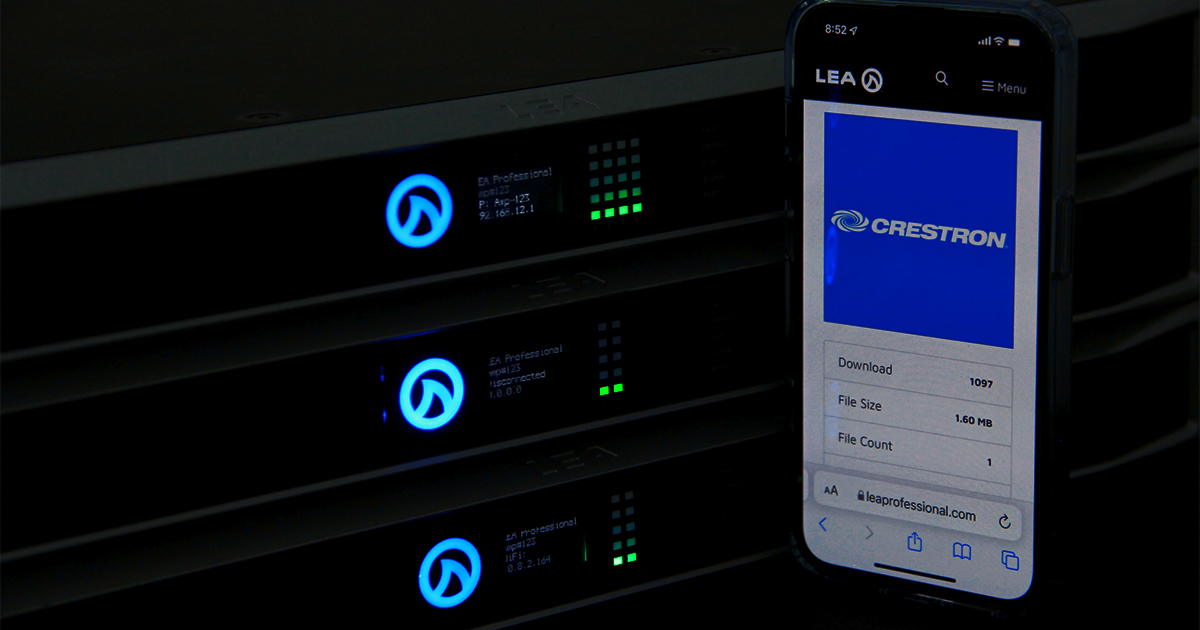
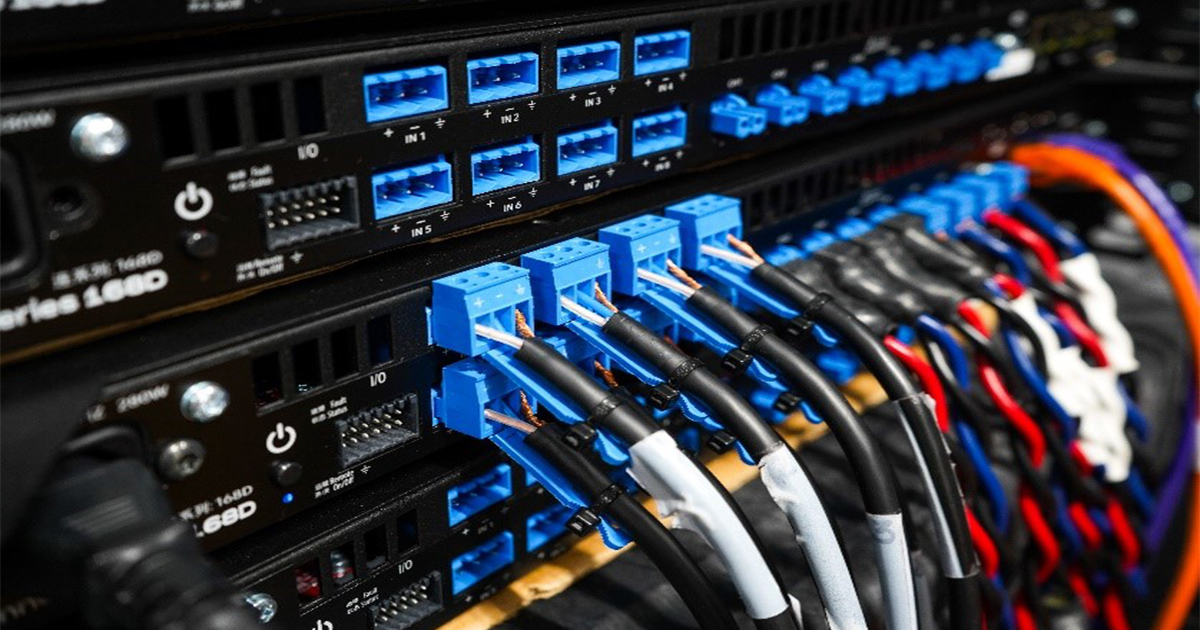
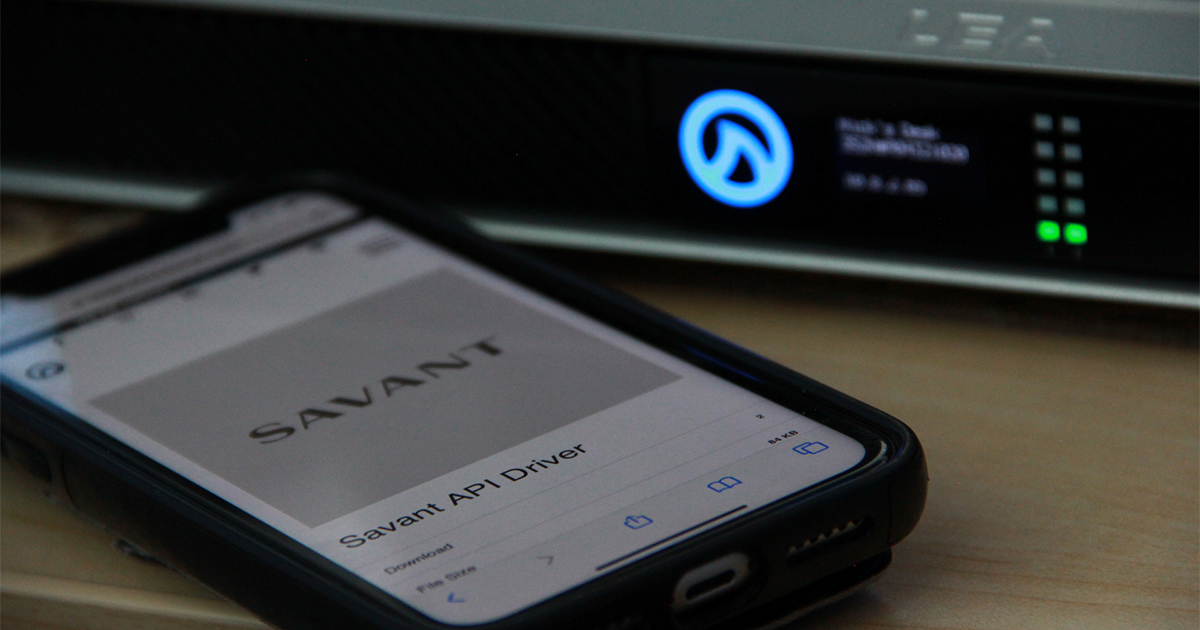
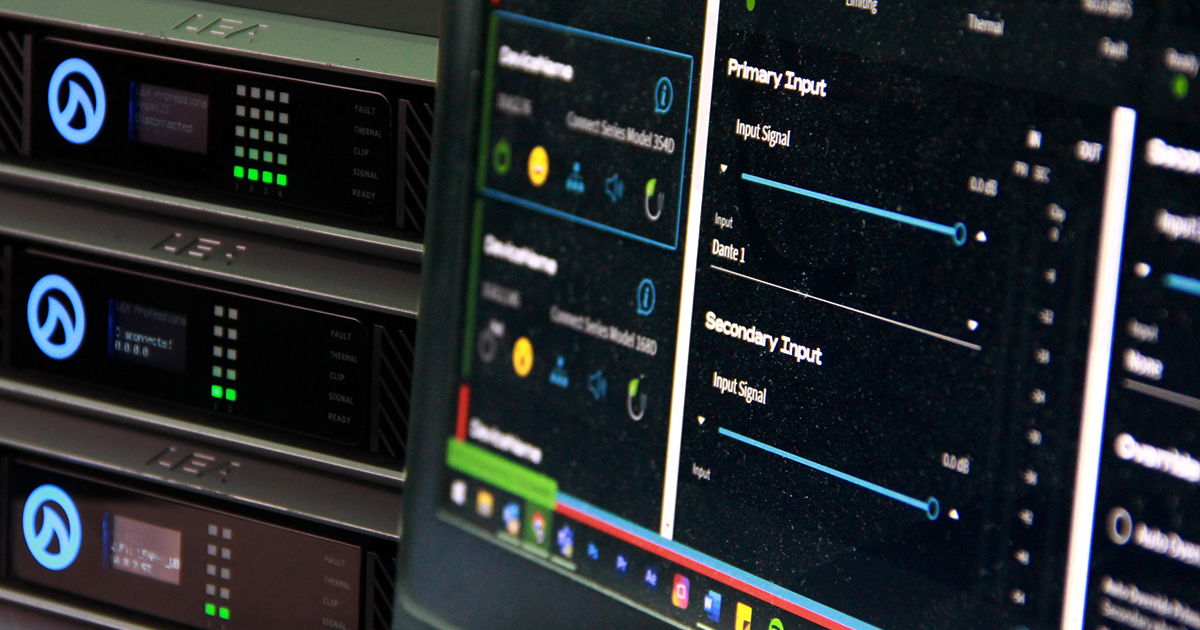
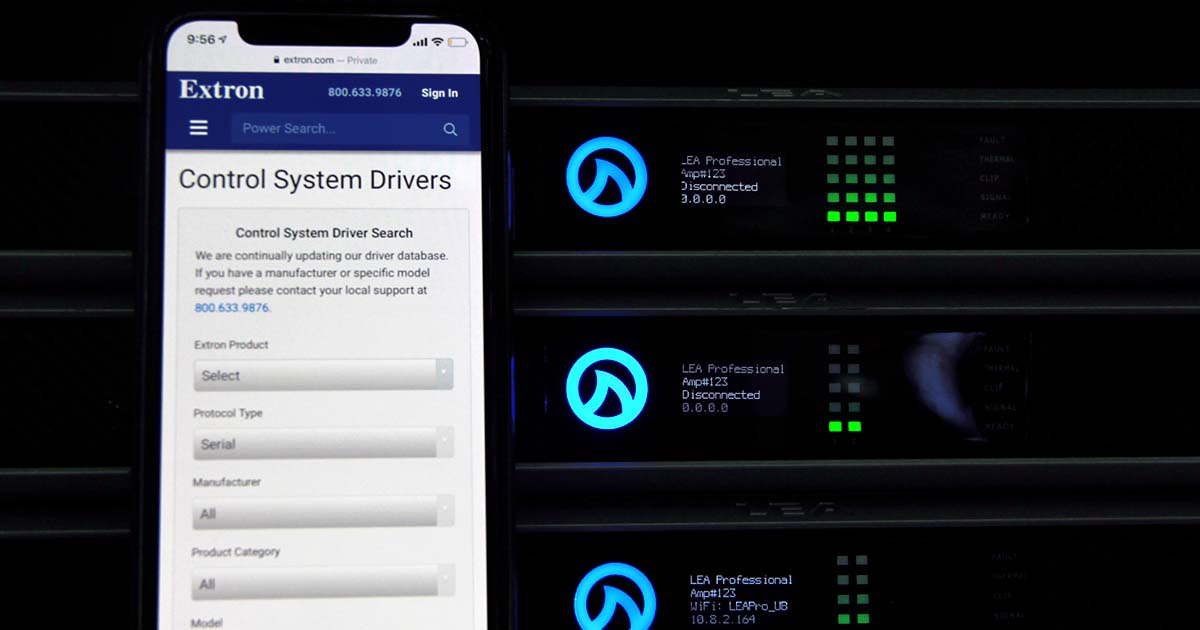
LEA Professional continues expanding its integration family with the OpenAVC Driver for Connect Series amplifiers.
With this driver, integrators can monitor and control LEA amplifiers directly from the OpenAVC control system—making it easy to incorporate LEA into automated AV environments such as corporate spaces, hospitality venues, education campuses, and more.
Watch our video demo of how to navigate to the driver on OpenAVC below.
After installing OpenAVC, open the system and log in.
Once logged in, navigate to Devices in the left hand menu.
From there, click the Drivers tab, then Browse Community.
From here you can scroll, or type LEA Connect Series into the search bar, and click INSTALL and follow any prompts.
It’s that Easy!
If you have questions about implementing the OpenAVC driver or need assistance during setup, the LEA Professional technical support team is here to help. Our experts can guide you through configuration, troubleshooting, and best practices to ensure a smooth integration.
Have an idea for a future API integration? We’d love to hear it. Submit your suggestions through our API Integration Request Form below to help us continue expanding the LEA family.
Want more LEA content delivered directly to your inbox? Enter your email address below to be subscribed to our monthly newsletter and keep up with all of the latest news and content from LEA Professional.
This website uses cookies to improve your experience. We'll assume you're ok with this, but you can opt-out if you wish.AcceptRejectRead More
Privacy & Cookies Policy
Privacy Overview
This website uses cookies to improve your experience while you navigate through the website. Out of these, the cookies that are categorized as necessary are stored on your browser as they are essential for the working of basic functionalities of the website. We also use third-party cookies that help us analyze and understand how you use this website. These cookies will be stored in your browser only with your consent. You also have the option to opt-out of these cookies. But opting out of some of these cookies may affect your browsing experience.
Necessary cookies are absolutely essential for the website to function properly. This category only includes cookies that ensures basic functionalities and security features of the website. These cookies do not store any personal information.
Any cookies that may not be particularly necessary for the website to function and is used specifically to collect user personal data via analytics, ads, other embedded contents are termed as non-necessary cookies. It is mandatory to procure user consent prior to running these cookies on your website.