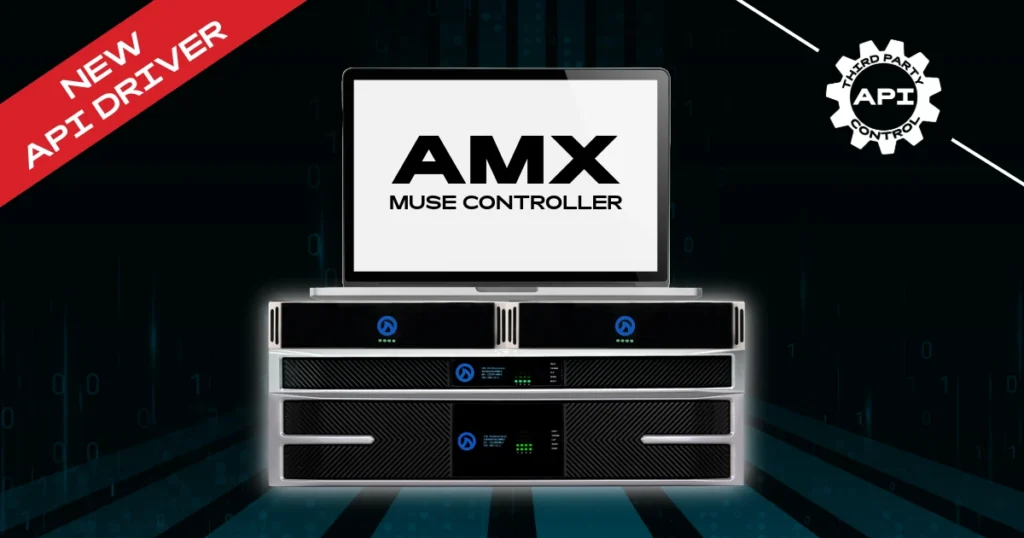
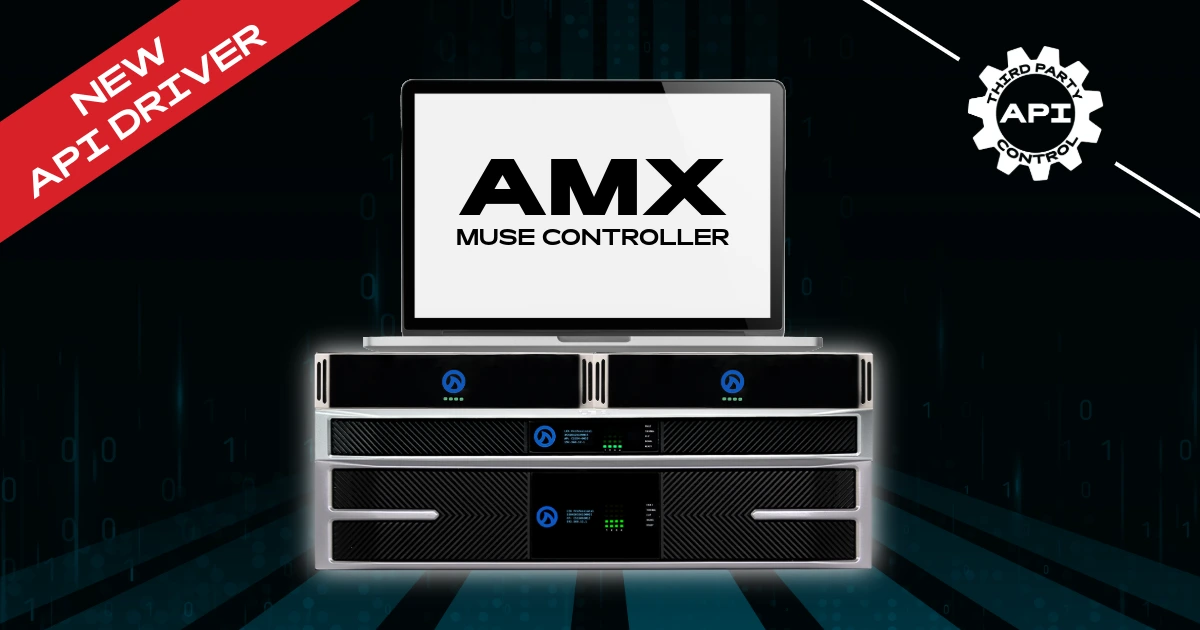
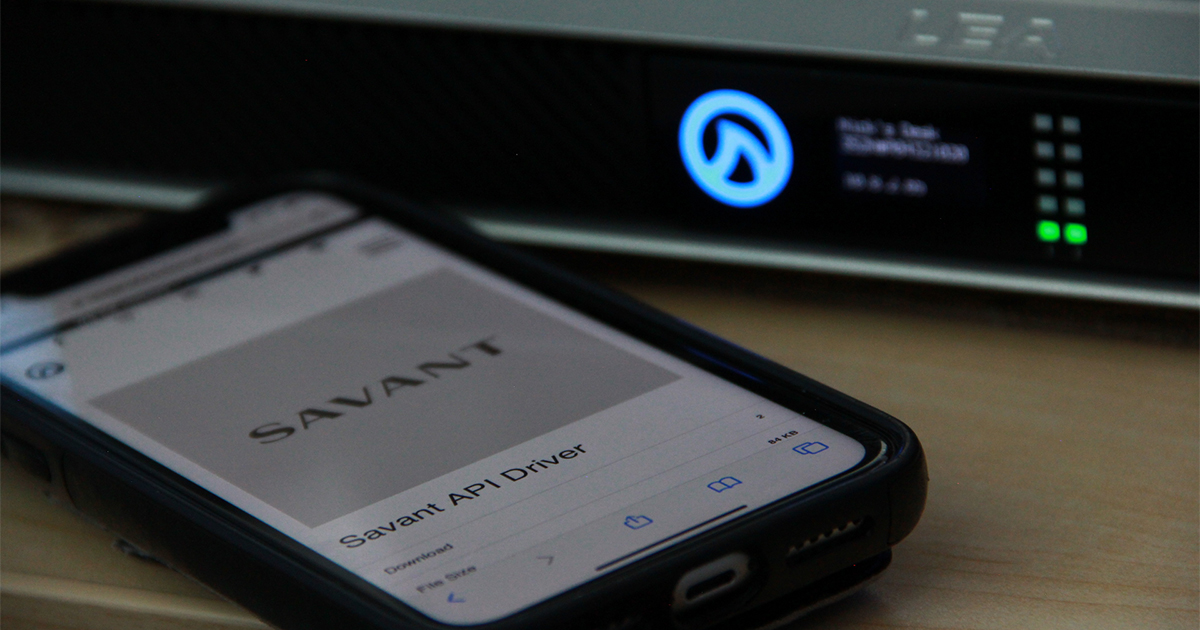
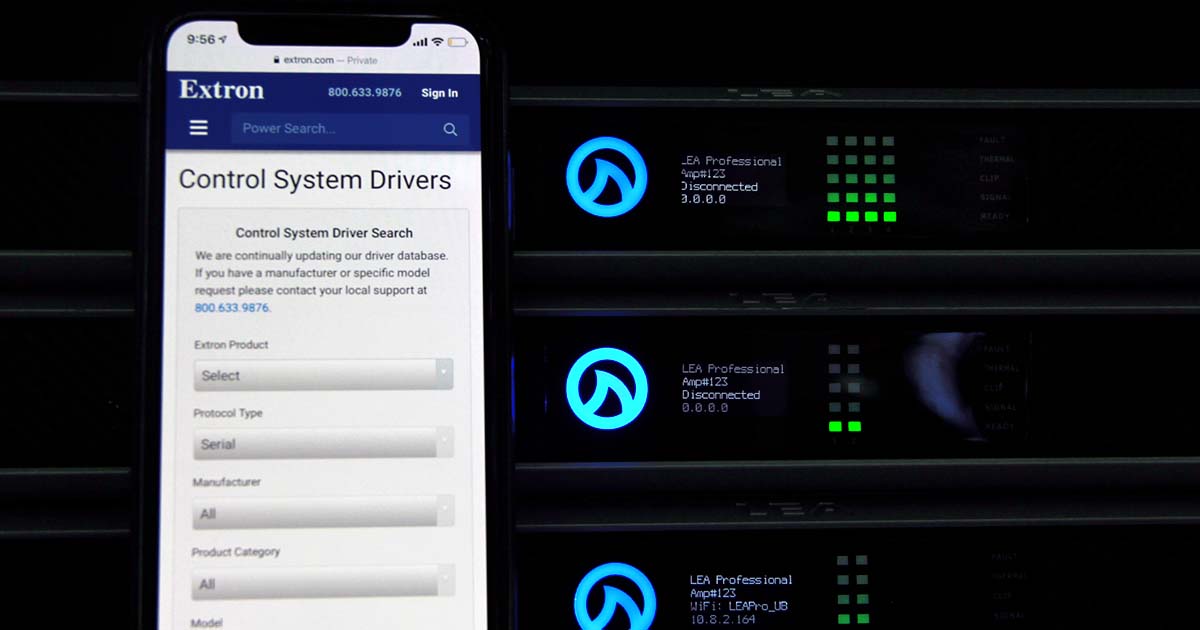
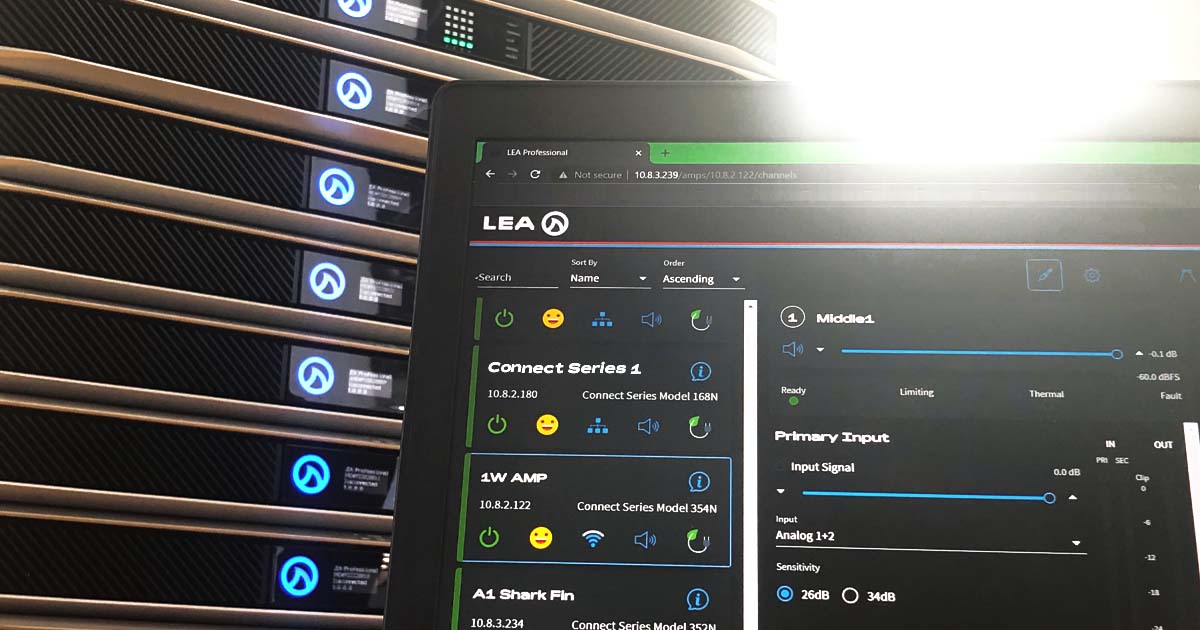
LEA Professional continues expanding its integration family with the AMX by HARMAN API Driver for Connect Series amplifiers.
With this driver, integrators can monitor and control LEA amplifiers directly from an AMX MUSE control system—making it easy to incorporate LEA into automated AV environments such as corporate spaces, hospitality venues, education campuses, and more.
If you’re building an AMX MUSE system and want to add LEA amplification, here’s how to access the driver. 👇🔉
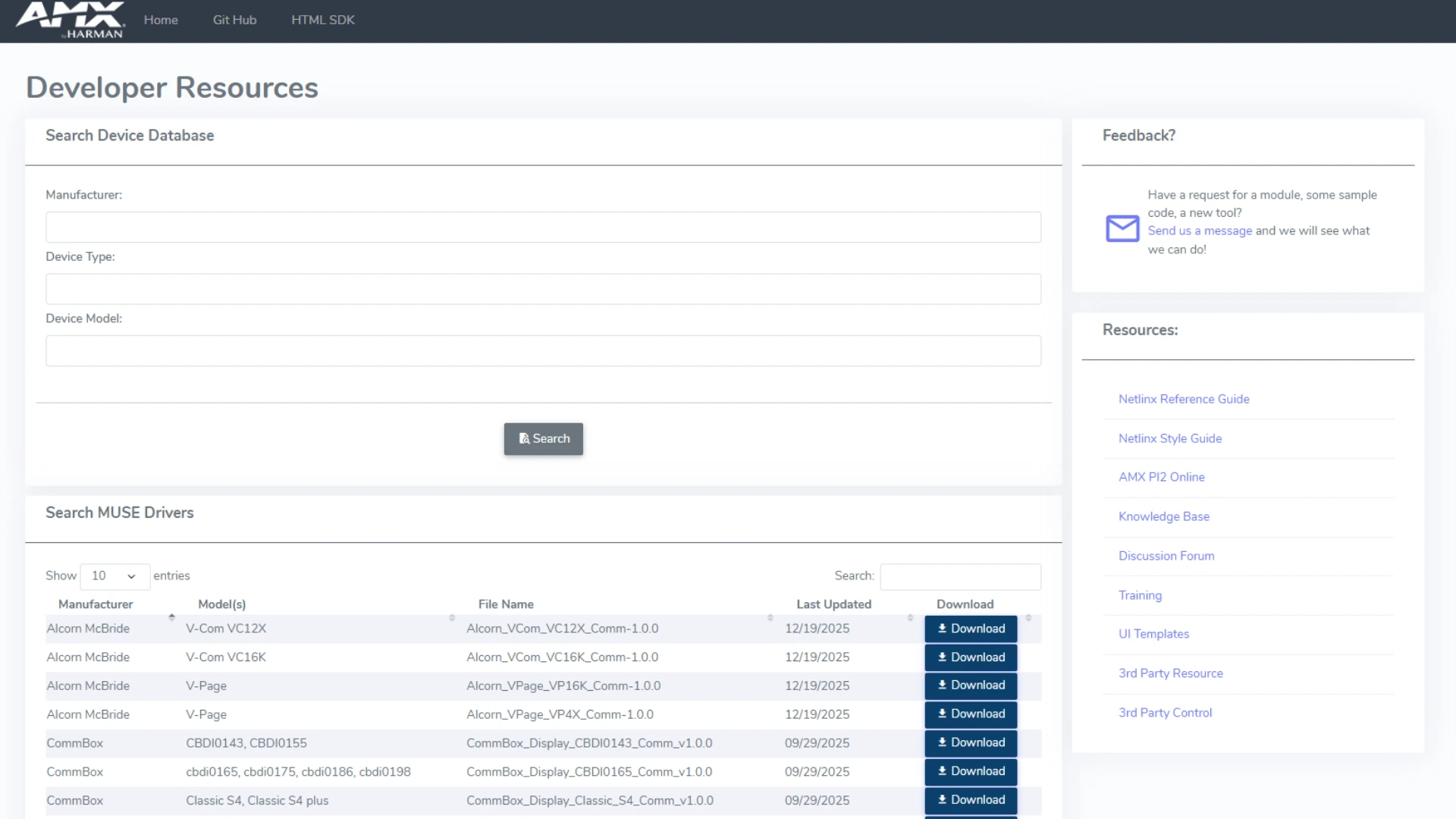
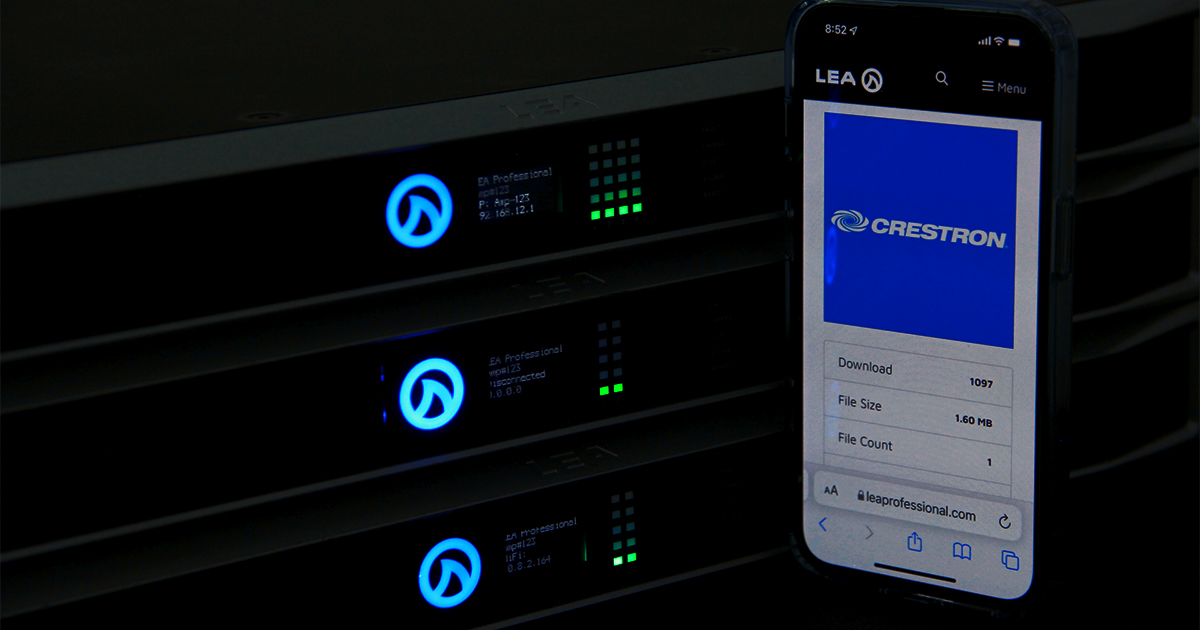
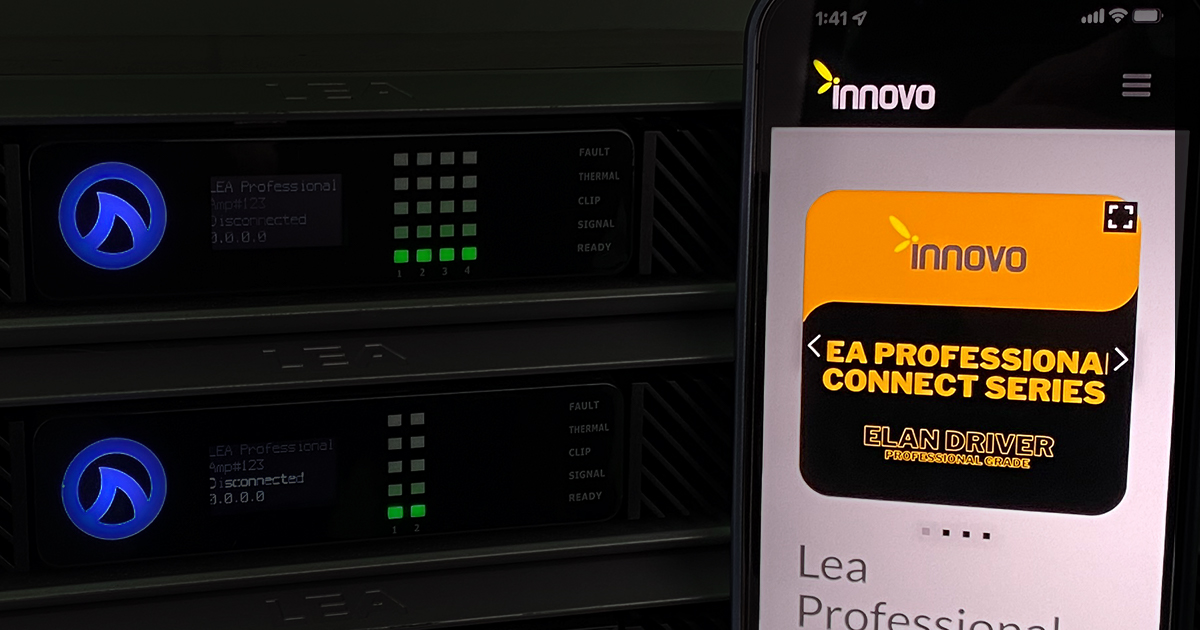
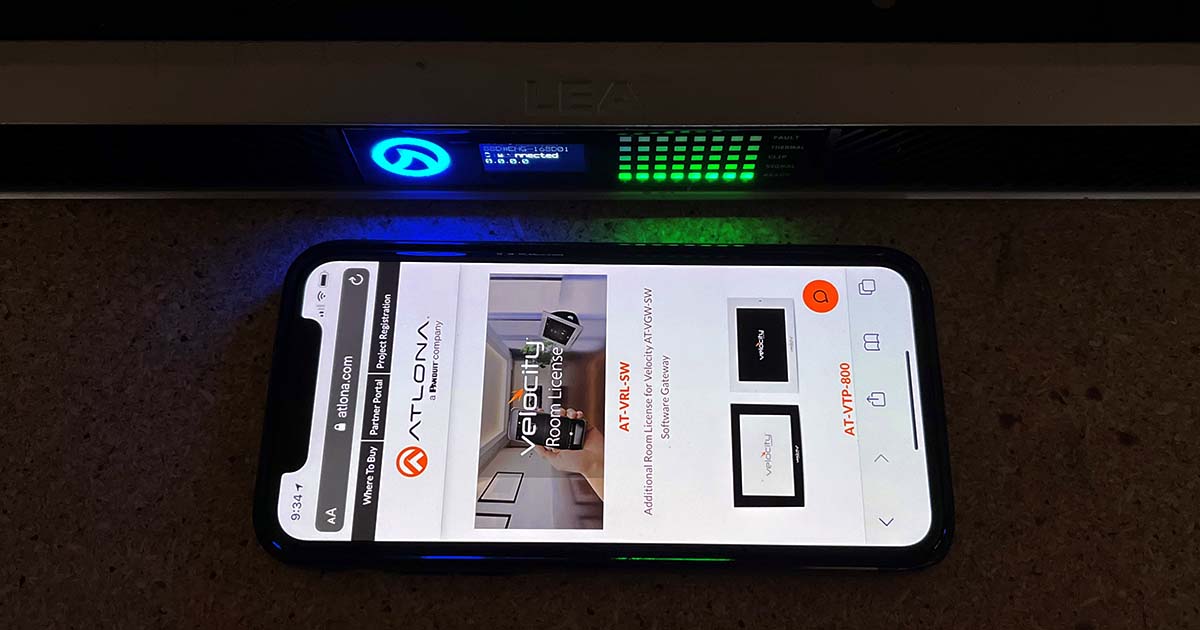
The LEA Connect Series driver is available through the AMX Developer Portal. Head to the site and from there, you can browse available drivers and integrations within the AMX MUSE ecosystem.
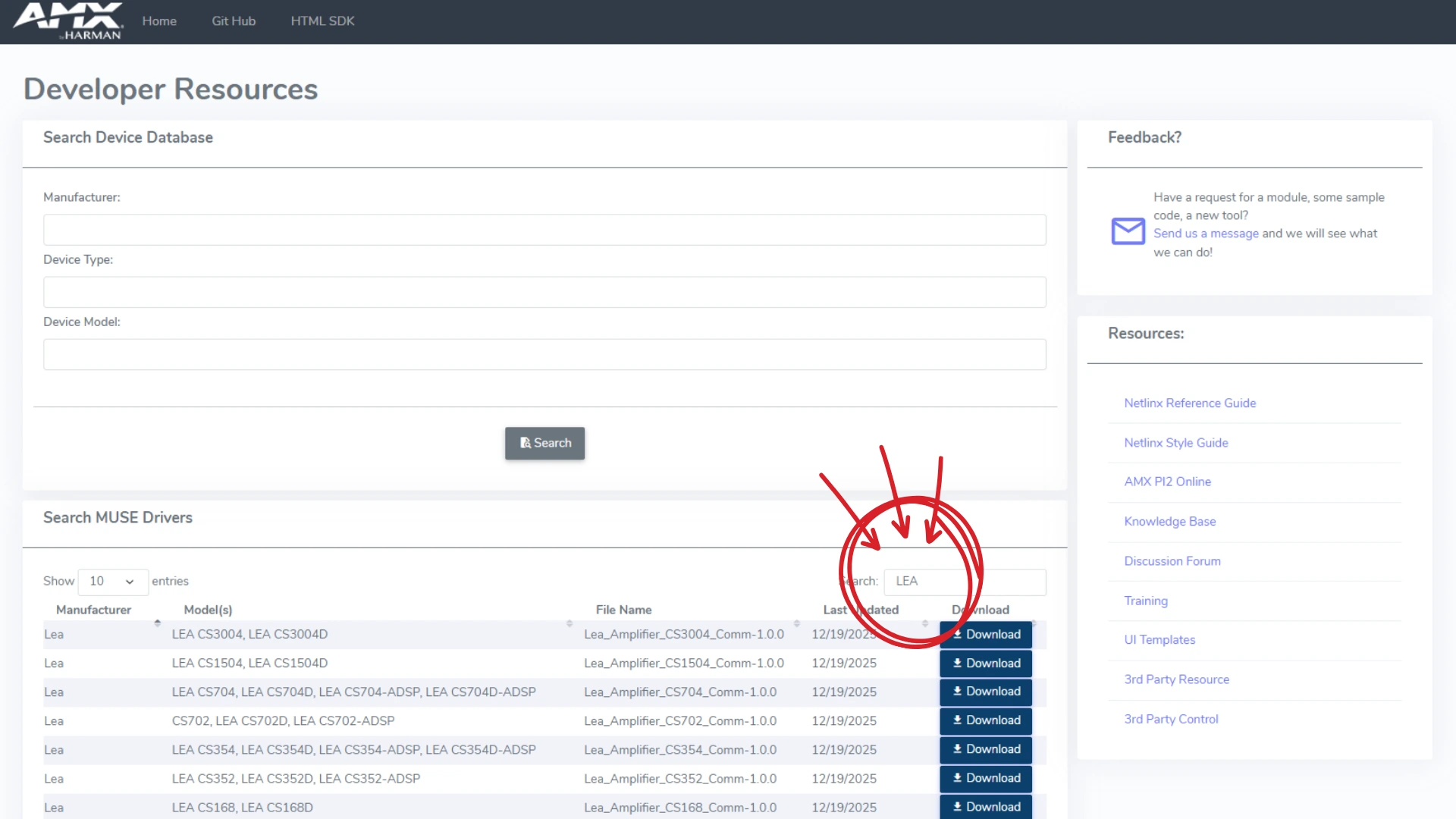
Step 2: Search "LEA"
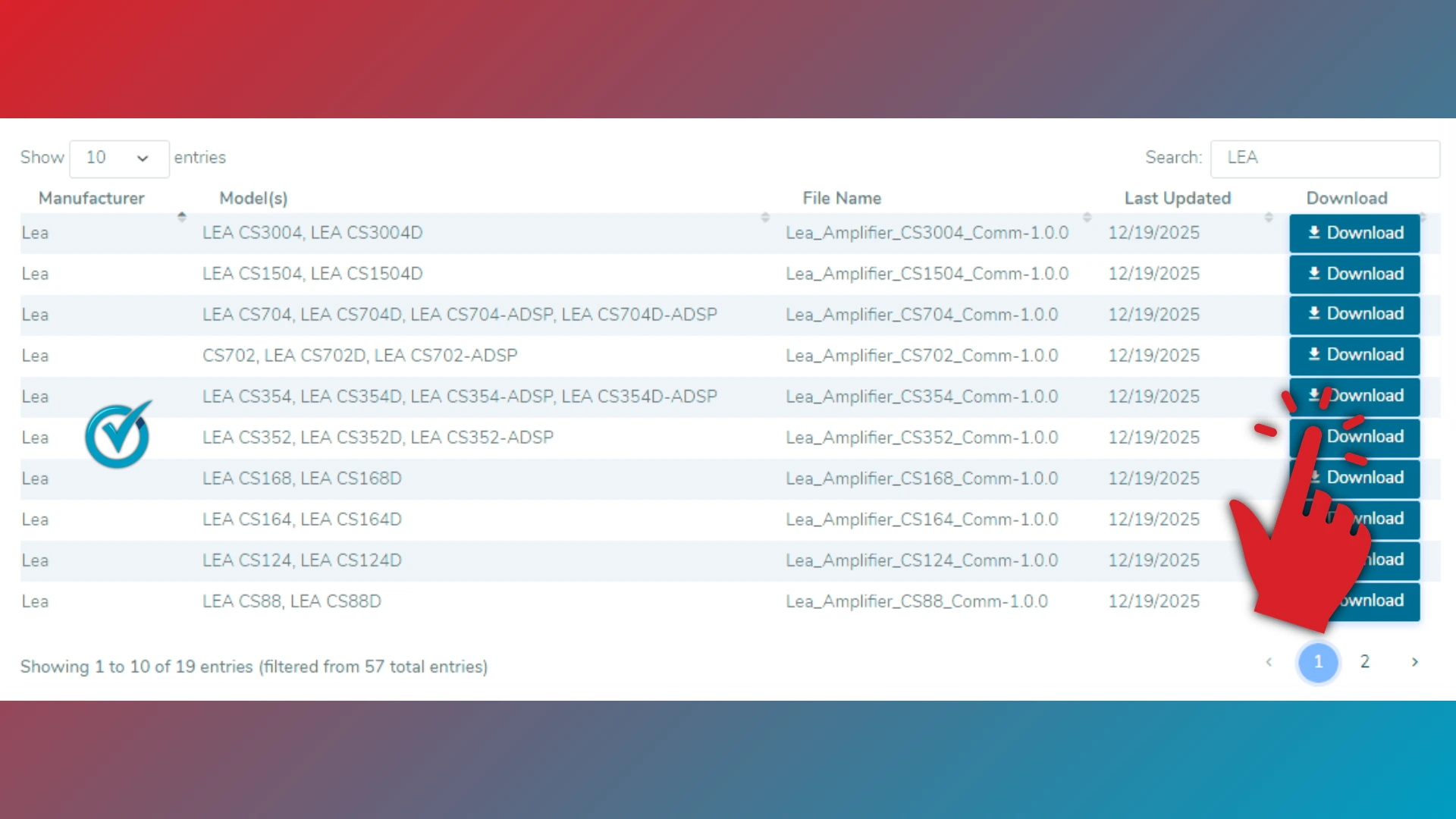
Once inside the portal, search for “LEA” to locate the available driver profiles.
After locating the driver, download it and import it into your AMX MUSE programming environment. From there, you can configure control and monitoring directly within your system interface.
Available control capabilities include:
Zone on/off control
Volume adjustment and mute
Source switching
System monitoring and feedback
Status and fault reporting
These controls allow integrators to build responsive, centralized AV systems with full amplifier visibility.
It's that Easy!
If you have questions about implementing the AMX MUSE driver or need assistance during setup, the LEA Professional technical support team is here to help. Our experts can guide you through configuration, troubleshooting, and best practices to ensure a smooth integration.
Have an idea for a future API integration? We’d love to hear it. Submit your suggestions through our API Integration Request Form below to help us continue expanding the LEA family.
Want more LEA content delivered directly to your inbox? Enter your email address below to be subscribed to our monthly newsletter and keep up with all of the latest news and content from LEA Professional.
This website uses cookies to improve your experience. We'll assume you're ok with this, but you can opt-out if you wish.AcceptRejectRead More
Privacy & Cookies Policy
Privacy Overview
This website uses cookies to improve your experience while you navigate through the website. Out of these, the cookies that are categorized as necessary are stored on your browser as they are essential for the working of basic functionalities of the website. We also use third-party cookies that help us analyze and understand how you use this website. These cookies will be stored in your browser only with your consent. You also have the option to opt-out of these cookies. But opting out of some of these cookies may affect your browsing experience.
Necessary cookies are absolutely essential for the website to function properly. This category only includes cookies that ensures basic functionalities and security features of the website. These cookies do not store any personal information.
Any cookies that may not be particularly necessary for the website to function and is used specifically to collect user personal data via analytics, ads, other embedded contents are termed as non-necessary cookies. It is mandatory to procure user consent prior to running these cookies on your website.