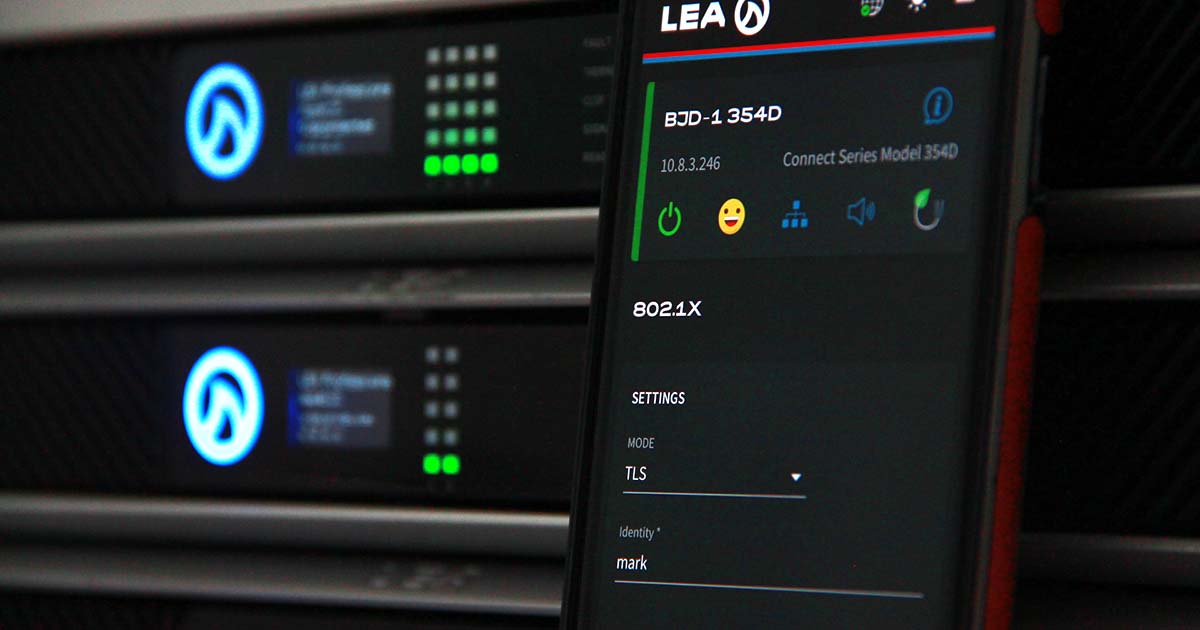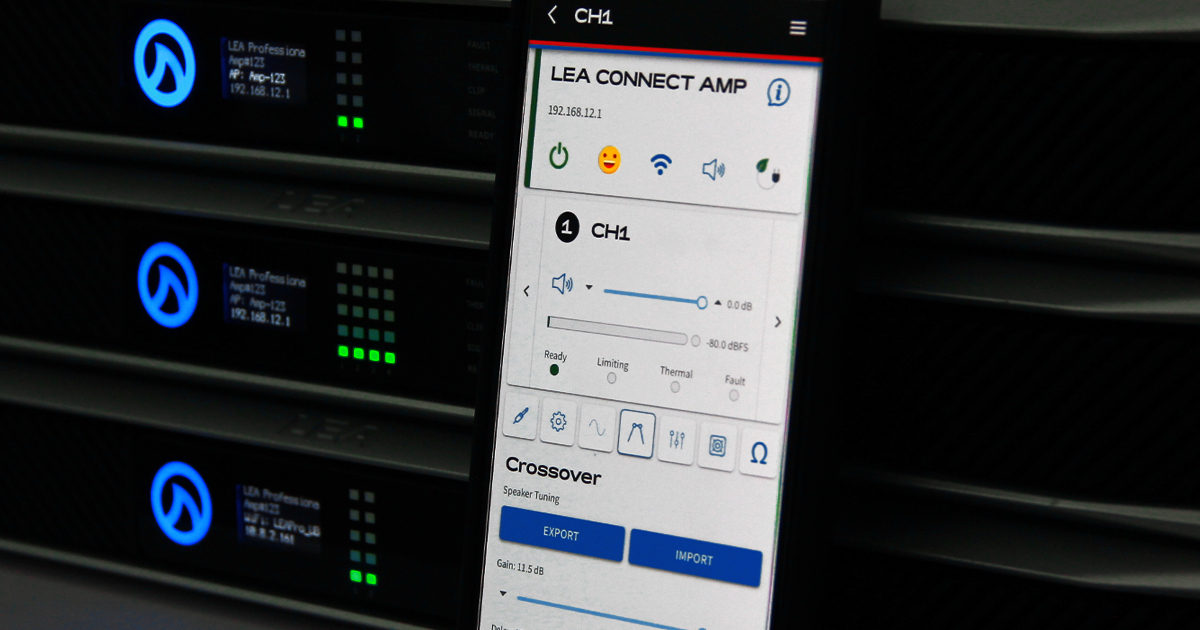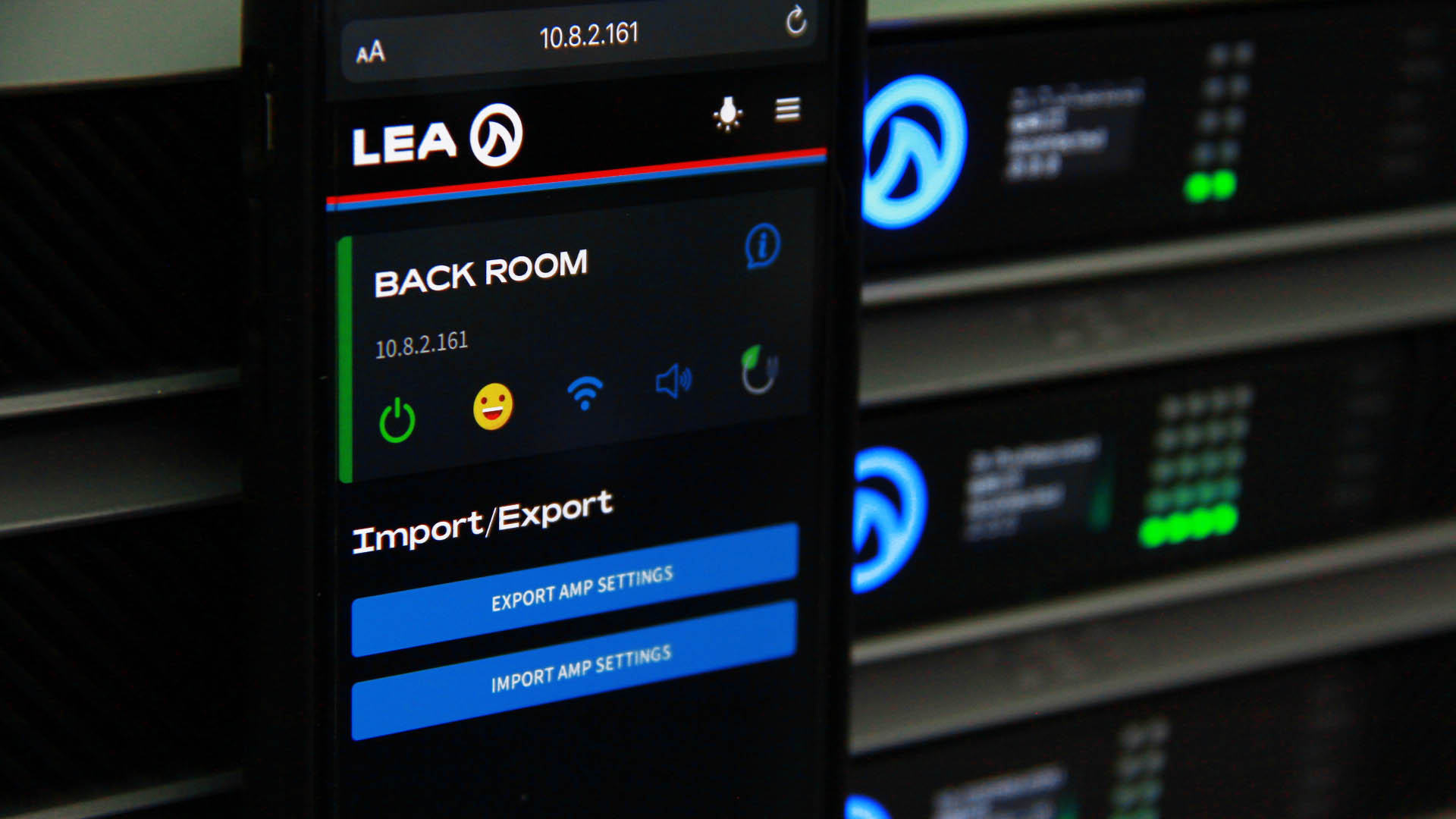

 Save time configuring and troubleshooting by searching and sorting your amp list by name, active faults, or IP address.
Simply select your sorting/filtering options from the main amp list on the home screen of the Web UI or Cloud.

Save time configuring and troubleshooting by searching and sorting your amp list by name, active faults, or IP address.
Simply select your sorting/filtering options from the main amp list on the home screen of the Web UI or Cloud.