

We’re thrilled to introduce the Xilica Driver for LEA amplifiers, packed with powerful benefits to elevate your audio projects. The Xilica API Driver includes profiles for our 2, 4, and 8 channel amplifier models, providing seamless integration and unmatched control. Click the link below to download today!
Xilica Driver Features
Input Related Features
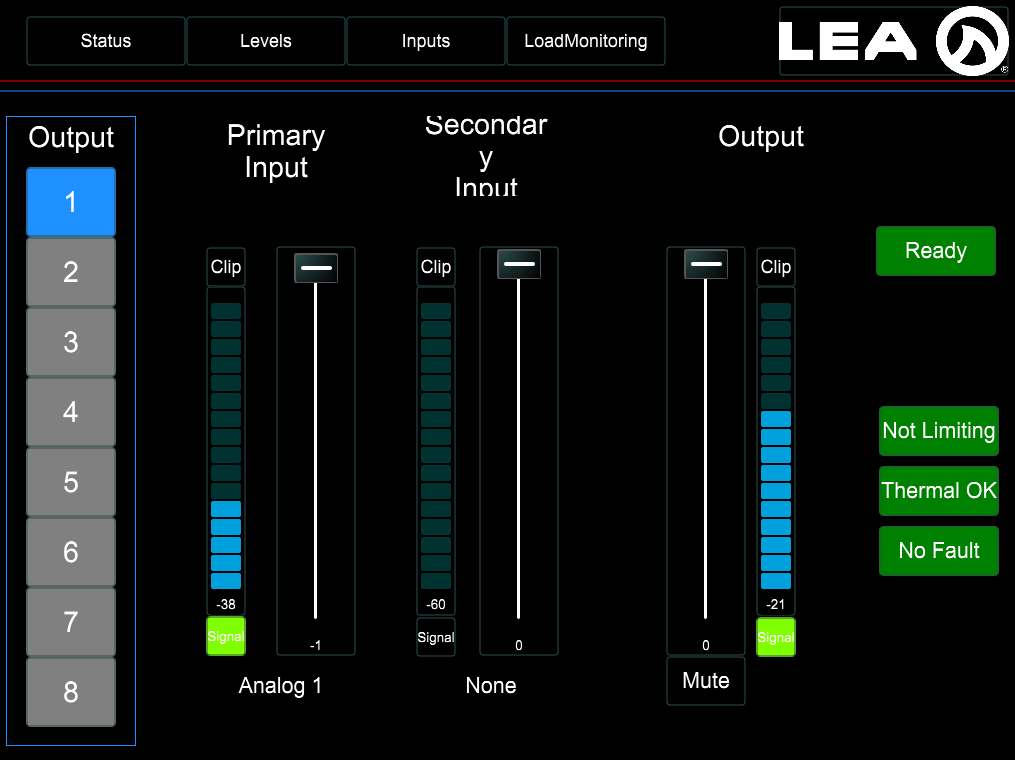
- Input level meters.
- Input clip indicators.
- Input signal presence indicators.
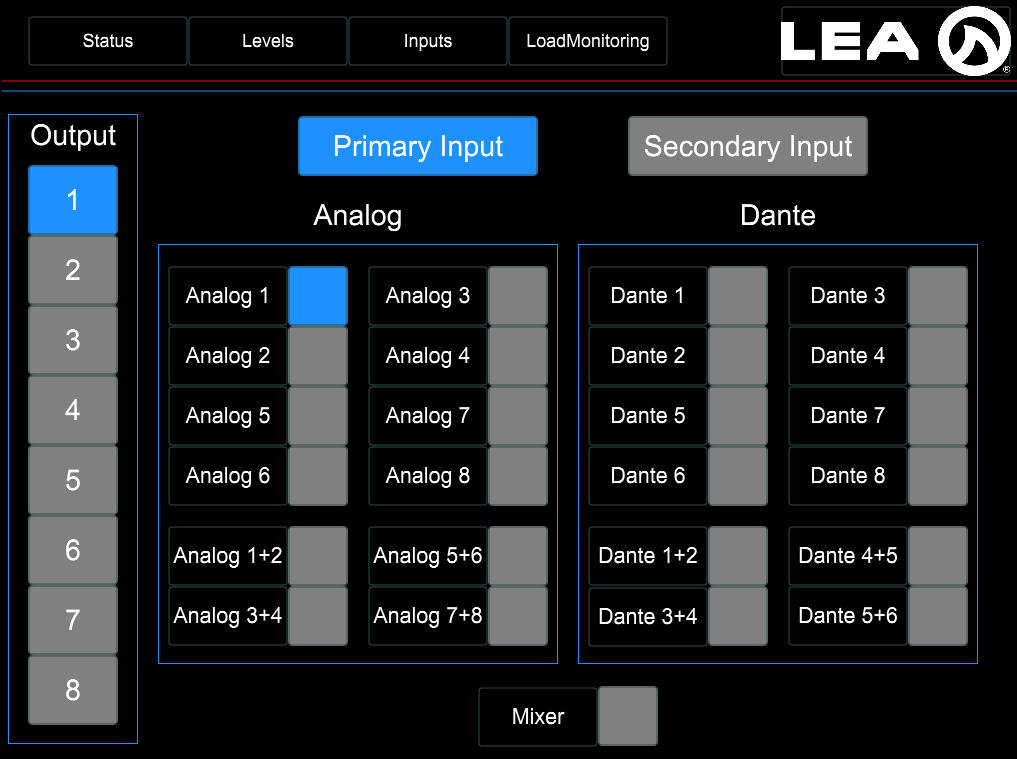
- Primary input source selection – (including input mixer – controlled from LEA WebUi)
- Secondary input source selection – (doesn’t include input mixer, should include a null/none state.)
Output Related Features
- Output level meters.
- Output clip indicators.
- Output attenuation faders.
- Output mute buttons.
- Output channel ready indicators.
- Output channel fault indicators.
- Output limiting indicators.
- Output ready indicators.
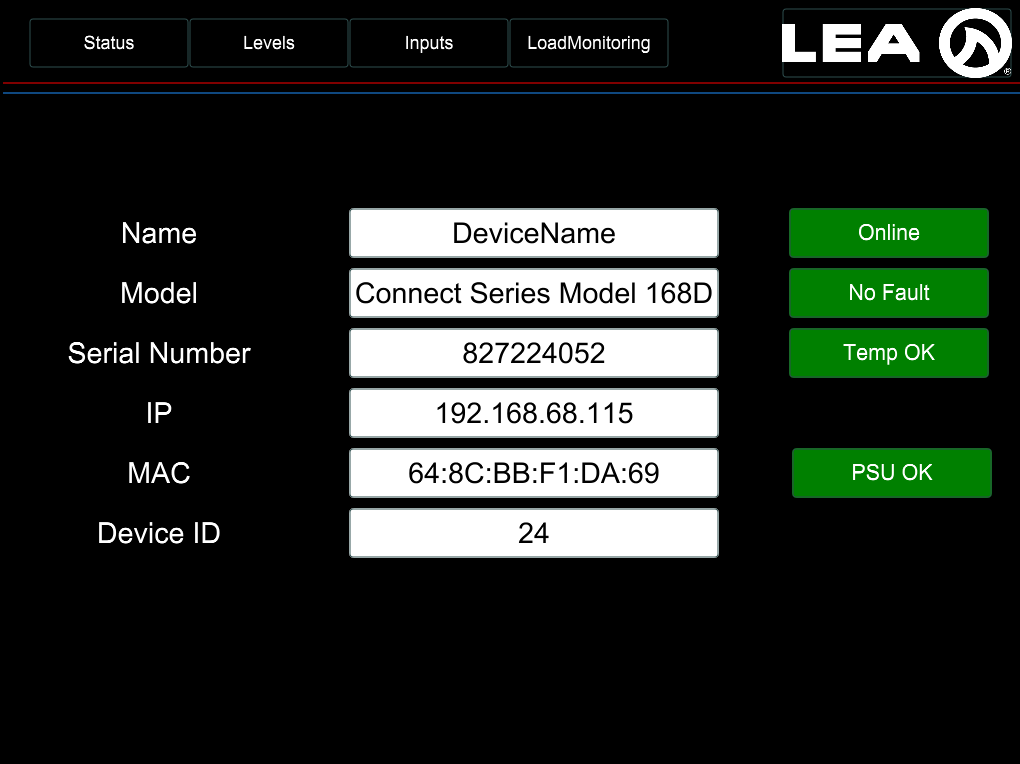
Amp Status Related Features
- Power indicator.
- Fault indicator.
- Amp temperature indicator.
- Network connection status indicator.
Amp Information Features
- Amp IP Address field.
- MAC Address field.
- Device name field.
- Device model field.
- Network connection field.
Pilot Tone Detector Features
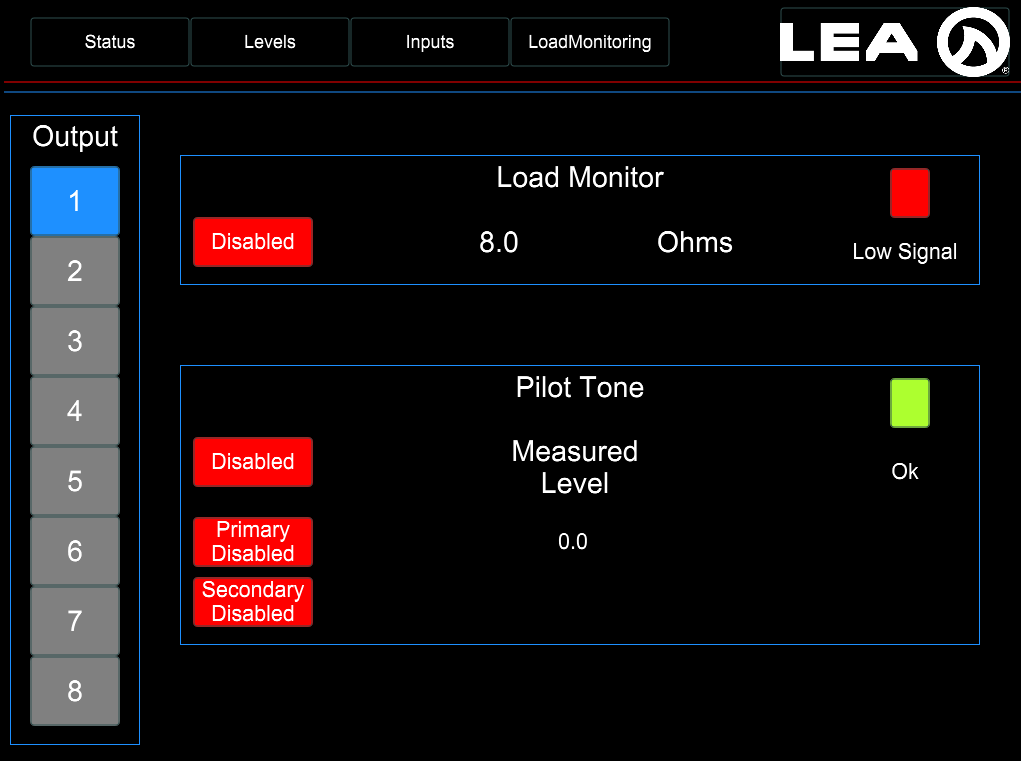
- Primary & Secondary Input indicators.
- ‘Within Thresholds’ indicator. Red = outside of set thresholds, green = within.
- Measured current level.
Load Monitoring Features
- Testing indicator.
- ‘Within Thresholds’ indicator. Red = outside of set thresholds, green = within.
- Measured impedance level.
LEA Control Ecosystem
These third-party control plugins, as well as our TCP and Websockets control, are part of the LEA Professional control ecosystem. As such, system integrators have access to all of these third-party plugins as well as local area network amplifier control using our WebUI and remote control and monitoring using LEA Cloud.
We’re committed to regularly expanding our ecosystem with new third-party control options. If you have any specific requests or need assistance, don’t hesitate to reach out to our tech support team using the form below.