Web UI Amplifier Control: The Benefits Of A Browser-based Interface
Web UI – the name says it all. It’s a web-based user interface meant for controlling and monitoring a hardware device. And in our case, that means amplifier control. But why would we choose a web-based solution as opposed to a more traditional software download? Well, let’s take a deeper look to find out!
What is a Web UI?
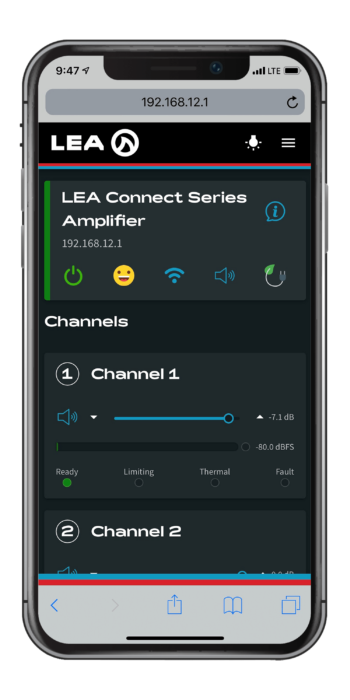
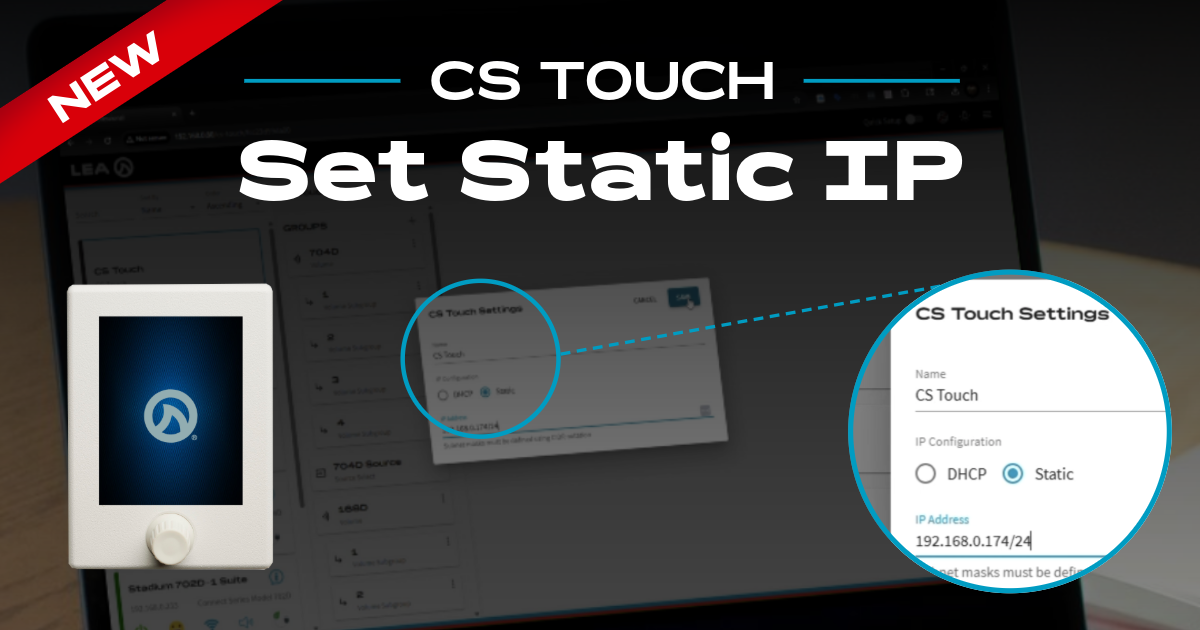
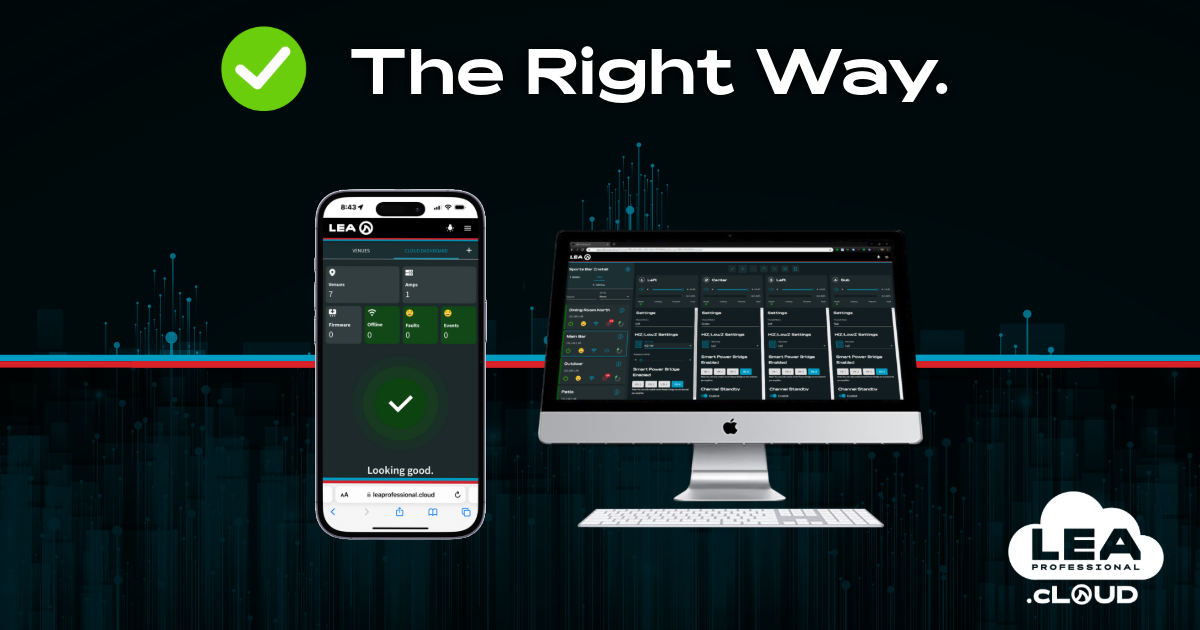
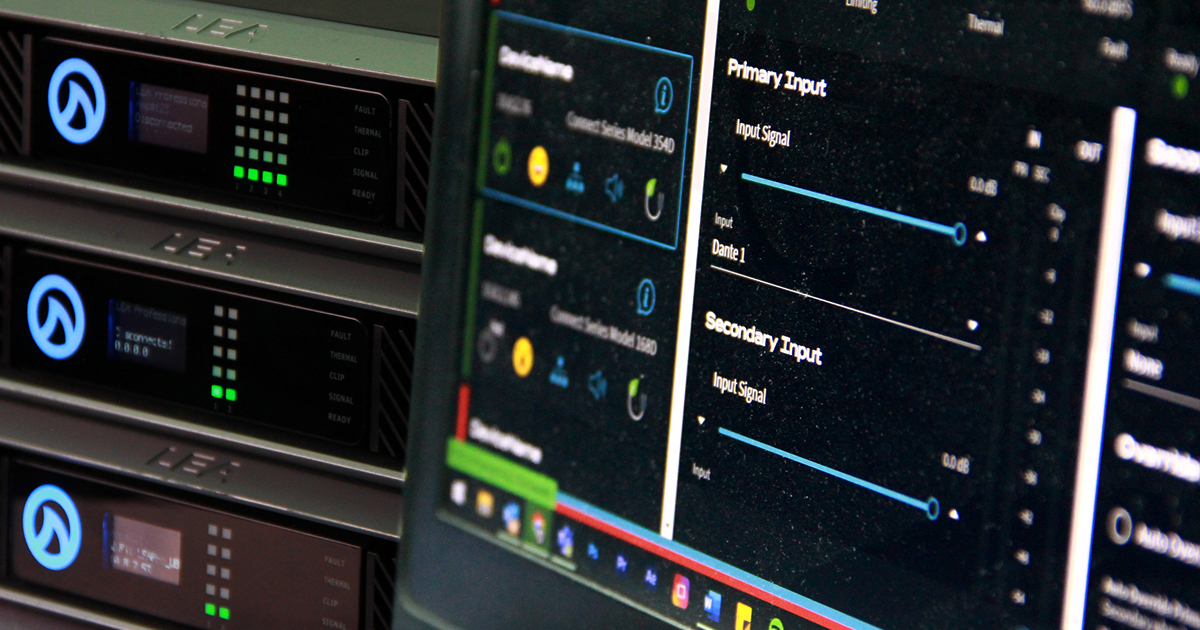
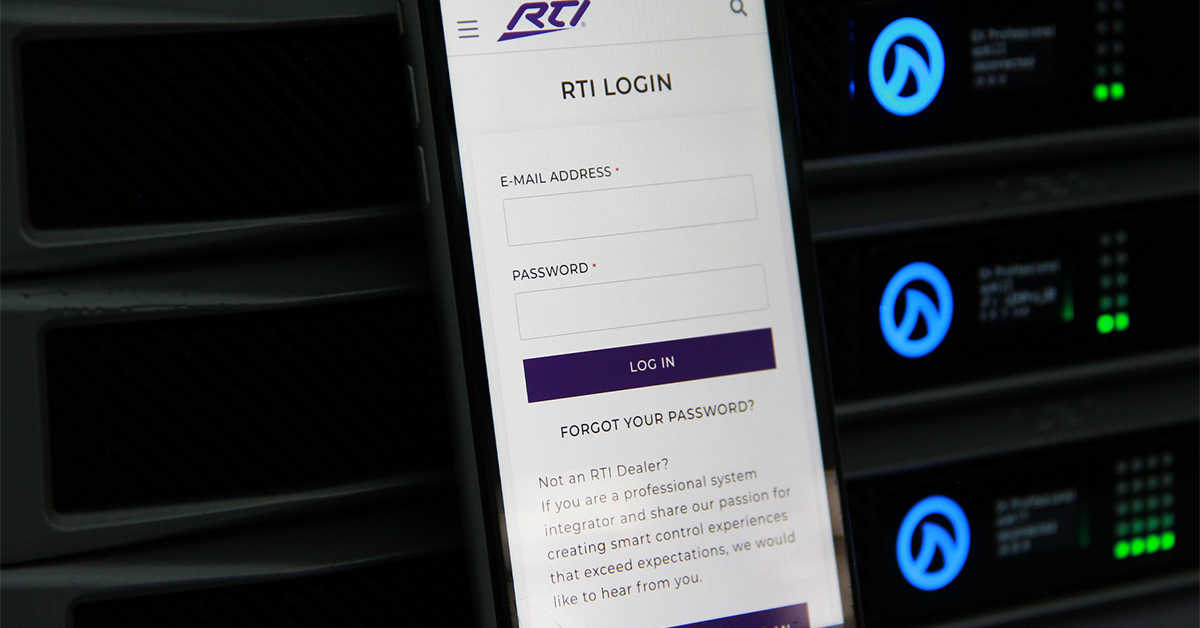
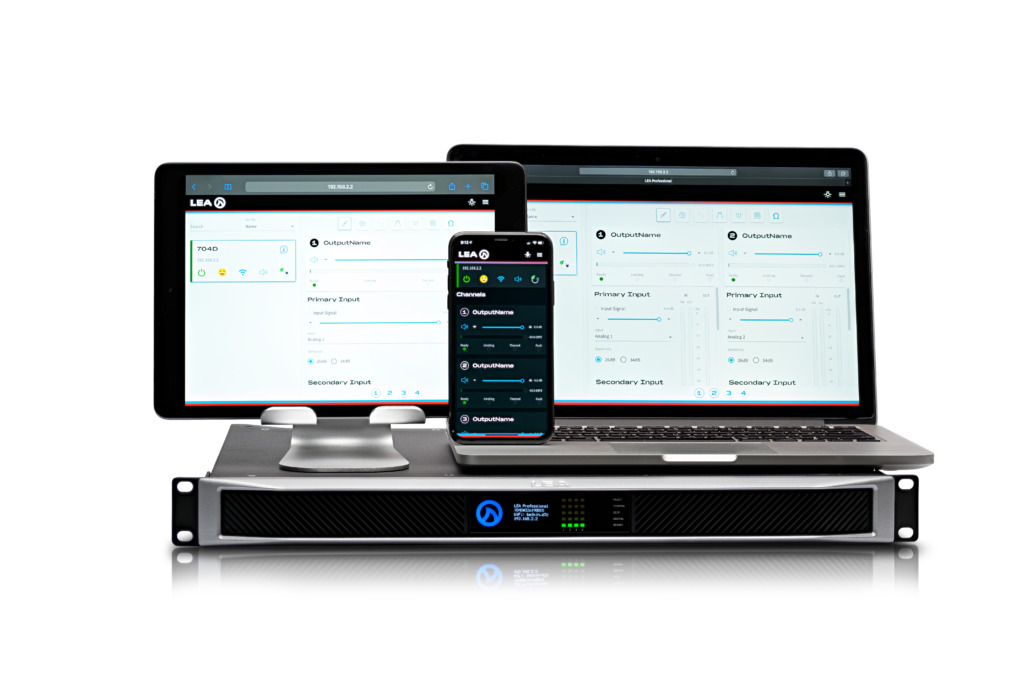
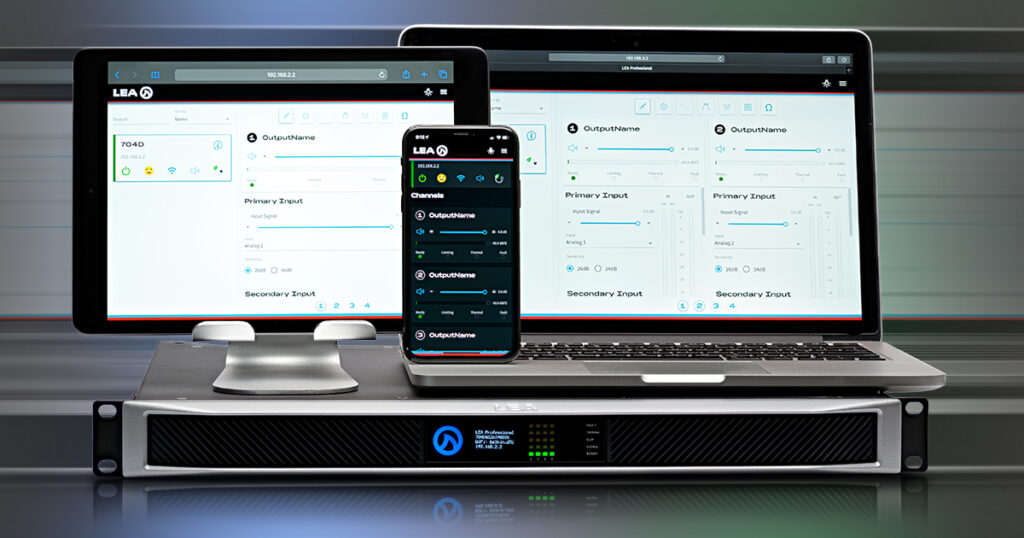
First, what is a web UI? Well, a web UI is a fast and efficient way to monitor and control hardware devices. In addition, It offers access to the most commonly used features via the existing web browser on your device of choice—no need to download or install anything! Just get the IP address from the hardware and enter it into a web browser search from your desktop, laptop, or mobile phone/tablet. After that, you can control the device and monitor the primary activities of your hardware. In addition, you can also use a web UI to configure your network settings and security.
How does it work?
A web UI is served up to your web browser directly from the hardware device, so nothing but a network connection to the hardware is required. Once served up, it communicates securely with the hardware using an API.
You can design an interface to provide the best possible layout for any screen size. From a small mobile phone to a full-screen monitor, the web UI panels are arranged and scaled to make the best use of available space.
Why did we choose a Web UI over a software download?
Our goal was to deliver a product that could:
- easily interface with any network-based control software
- be easily controlled and monitored.
We understand that the amplifier is part of a “system” and our customers are wary of downloading, learning, and keeping track of yet another software application.
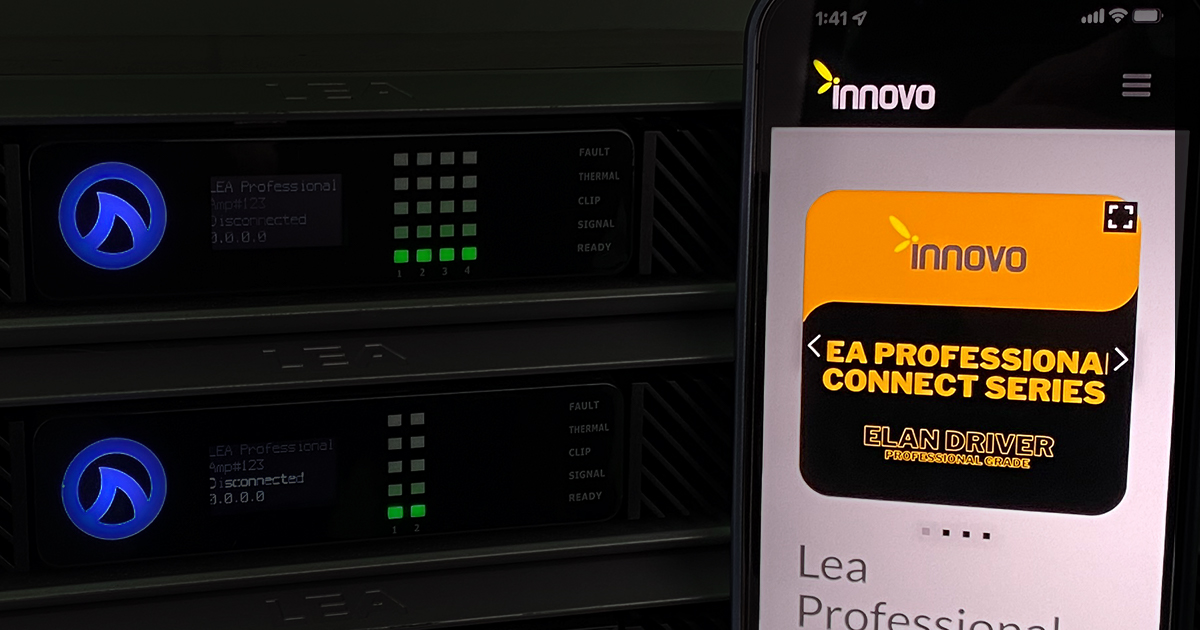
Instead, we designed a simple, comprehensive, and secure API that could be used to interface with any TCP-based control software. In addition, we want our customers to be able to quickly and securely connect to any amplifier with their device of choices such as a PC, tablet, or phone, for example. In the end, the solution that checked all these boxes was a browser-based user interface supported by an open API.
To facilitate easy access, we include a “guest access” mode because maintaining security
while allowing limited access to monitoring information are two very difficult and usually opposing objectives. Therefore, the guest access mode combines these objectives by providing a read-only interface in case you forget the password or don’t have it. Therefore, you still have visibility of the amplifier and all its monitoring capabilities but none of the control.

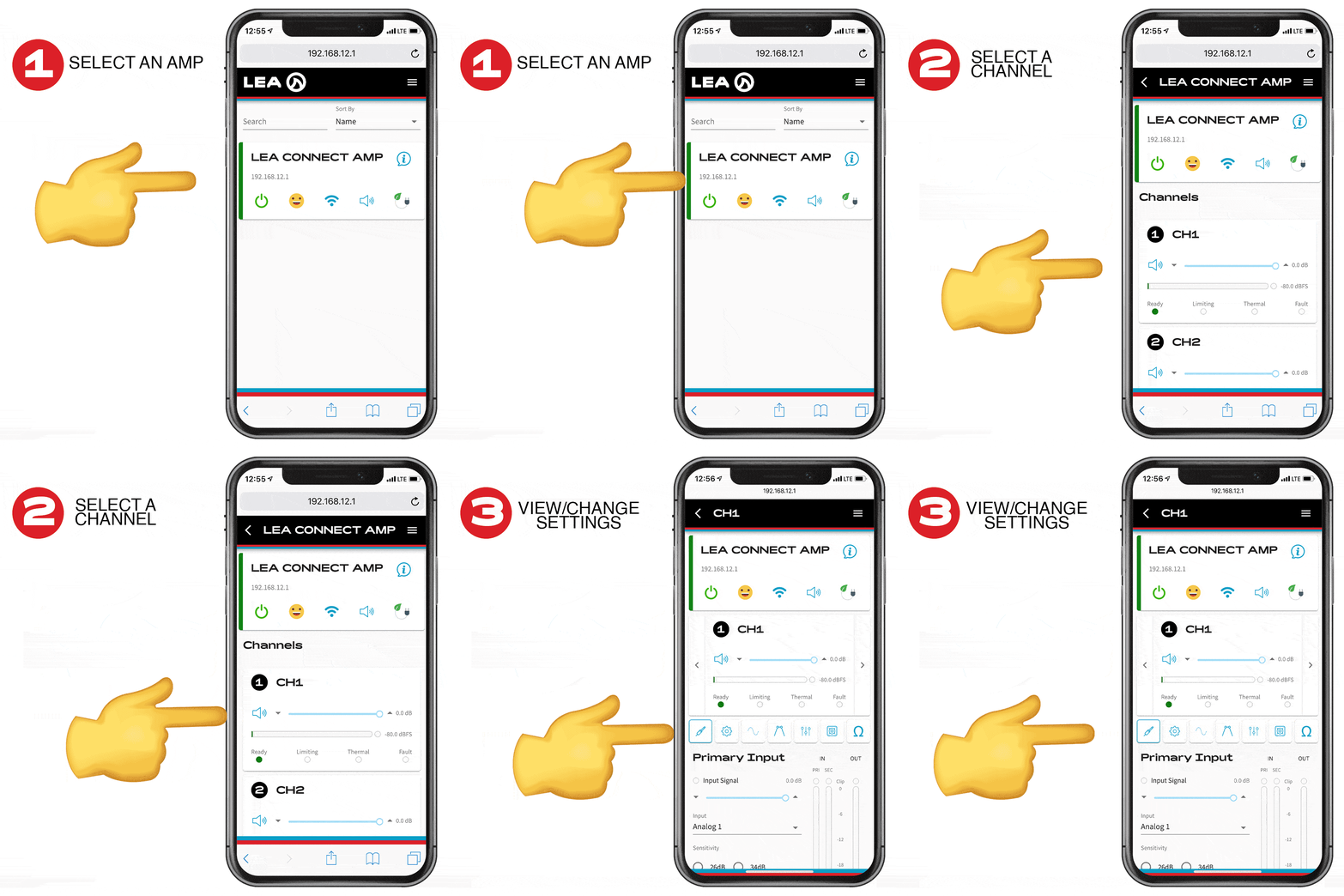
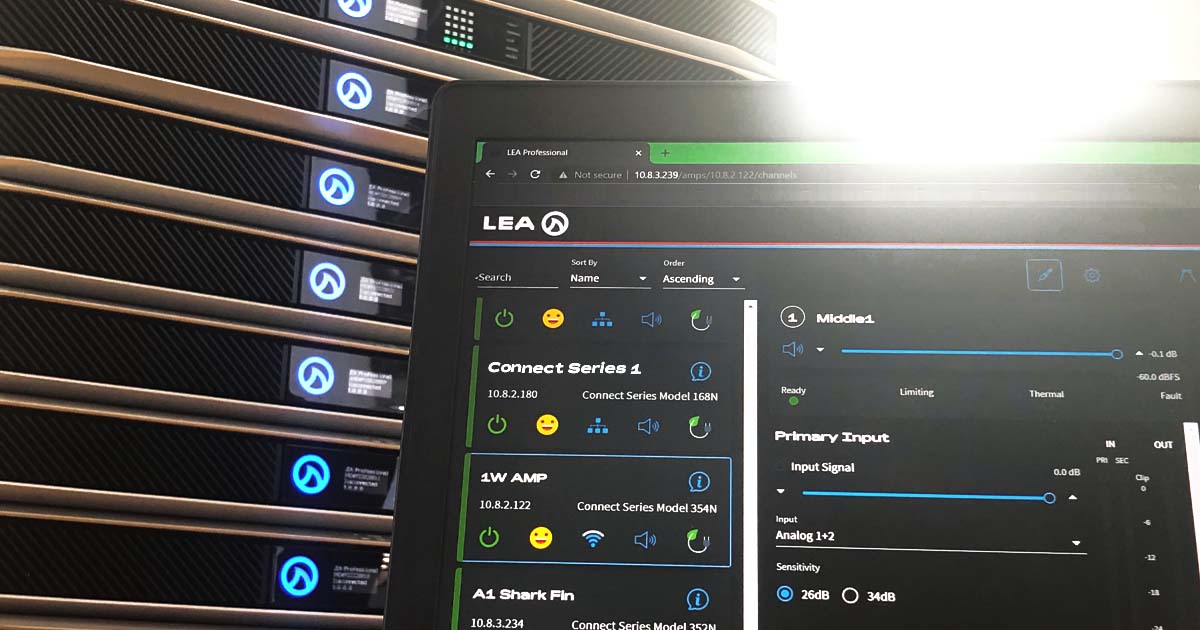
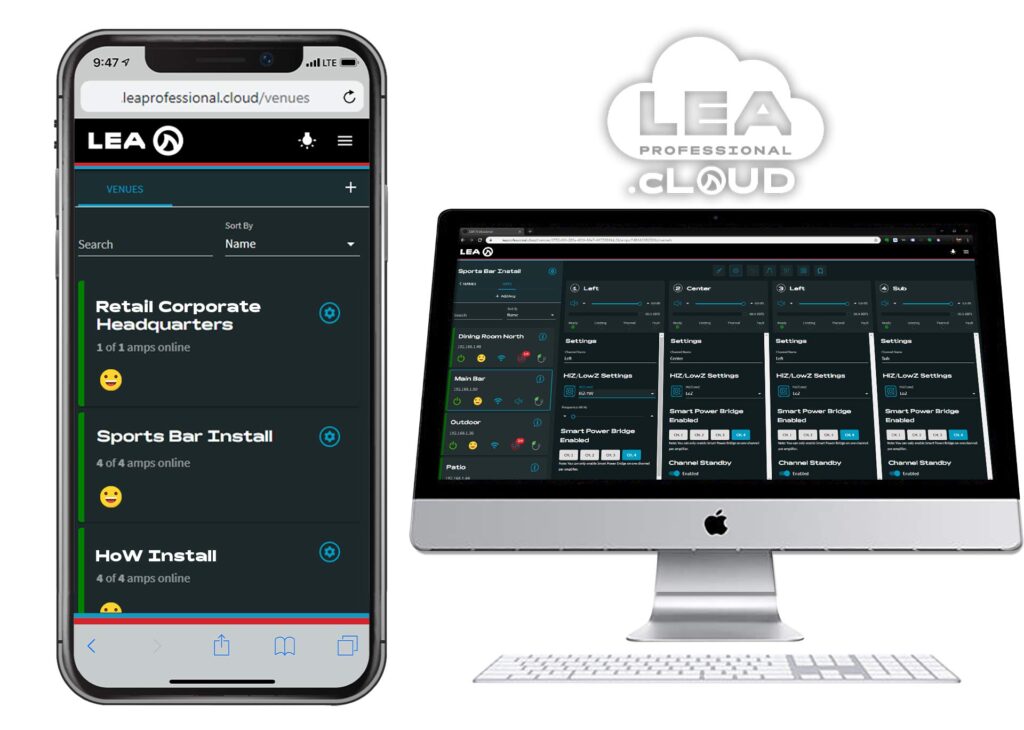
CONNECTSERIES amplifiers automatically detect each other on the network. Therefore, opening a web UI to one amplifier will also display a list of all available amplifiers on the same network where they can be easily selected and opened. Once opened, there are several features available for control through the web UI such as:
- Level meters, faders, mutes
- Amp and channel names
- Load monitoring, pilot tone detection and
short circuit detection - AC line voltage, power usage and temperature
- User peak and rms limiters
- Input source selection including backup and
override capability - Smart bridge channel selection, HiZ/LoZ
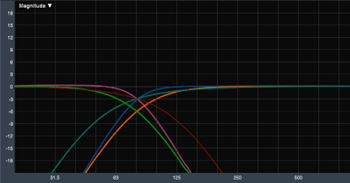
configuration - Crossover filters, eq filters, delay and
signal generator - Network settings and security
- findMe locator
- Save and load complete amplifier settings
- Load/save channel speaker tunings
One of the most popular features with amplifiers is saving and recalling settings. We were sure to include the ability to save and recall all of the settings and speaker tunings so you can quickly duplicate the entire amp or just the channel tunings.
And all of this is available within just three clicks!
Emoji Status Updates
The overall amplifier status is reflected with an emoji on the main panel rather than the tradition LED indicators. For example, when the emoji is “happy,” it indicates all is right with the world, or “frowning,” indicating conditions of possible concern, or “caution,” which indicates a fault has occurred. In addition, tapping the unhappy faces displays an event or fault log that will provide specific details. This information can then easily be emailed, copied, or cleared.
LEA’s API
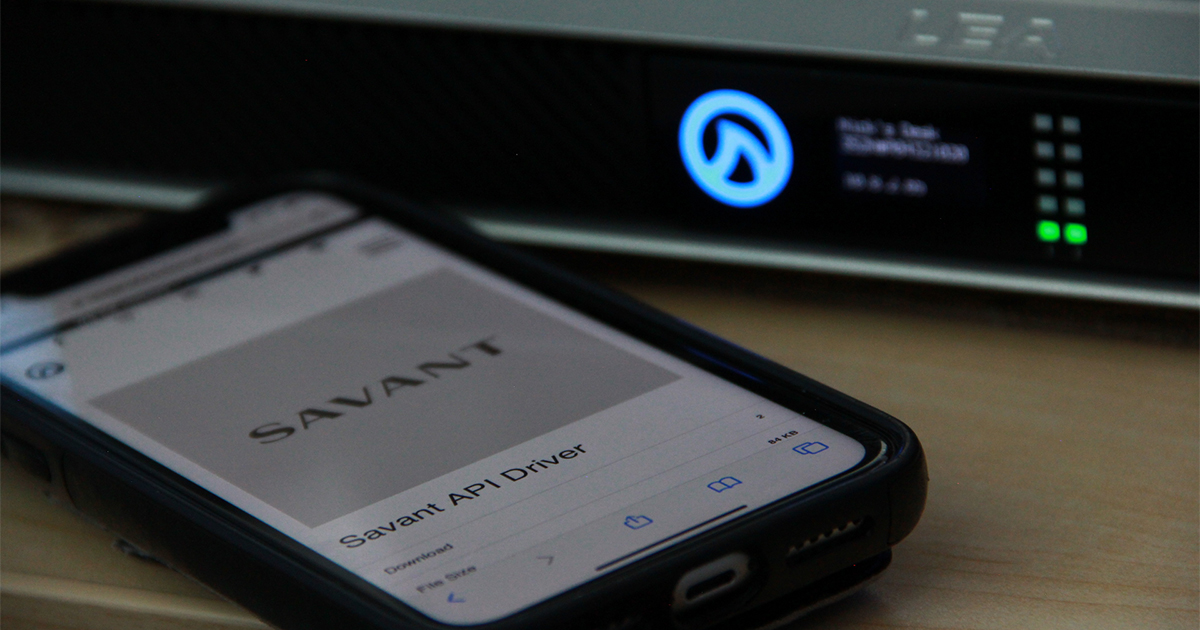
We developed our API over websockets. Websockets are convenient because they combine the reliability of TCP with the notion of message boundaries. To support message boundaries, a TCP/UDP implementation would need only to wrap the API messages in a header/payload structure where the header specifies the length of the payload. The API is patterned after JSON-RPC 2.0 making it very friendly to both read and implement. In addition, we are currently working to develop plugins for several popular control software applications.
Conclusion
In conclusion, our main goal is to provide a product that supports system integrators and helps make their jobs easier. Therefore, we chose a web UI over a software download. And as you can see, there are several benefits that accompany the use of a web UI, and we think our customers are going to appreciate the simplicity of our Web App UI.
If you have any questions about Web UI, how it works with our products, or how they can benefit pro audio systems, please leave a comment below or reach out to us on our social media channels.
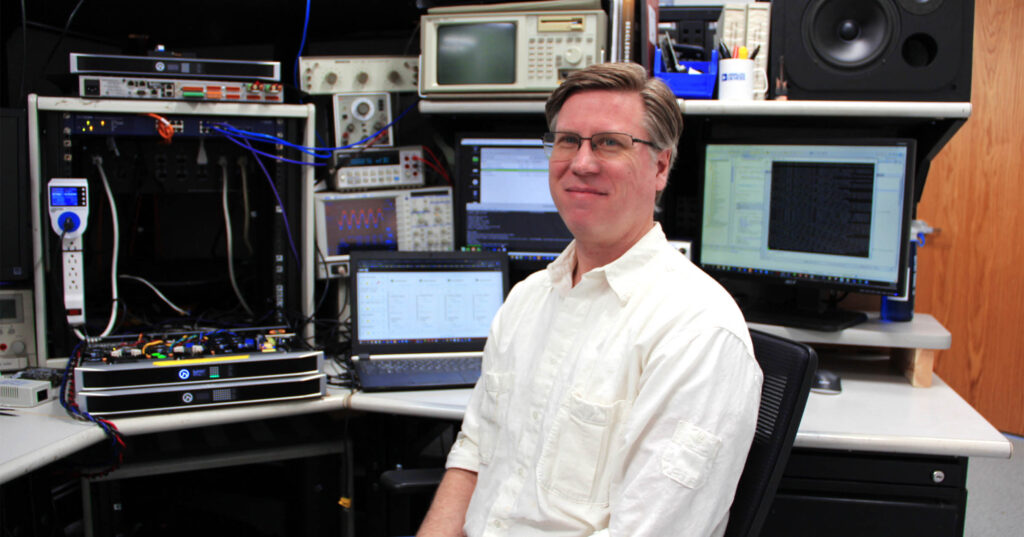
About David Butler
Senior Principal Embedded Engineer, LEA Professional
I have over 20 years of experience in embedded firmware, hardware and software doing new product development of professional audio amplifiers. I have spent my entire professional career devoted to making audio amplifiers sound better, easier to use, cost less, use less energy, and meet the constantly evolving demands of our customers. Over the years I have been lucky enough to work with some of the most talented engineers in pro audio doing everything from DSP, protection algorithm development, LCD front panel design, system control software, user interfaces, and lots and lots of testing.
On the rare chance that I’m not working on amplifier firmware, I can be found playing guitar, recording, building speaker cabinets, helping with live sound, or screwing around with some kind of audio equipment. Also, working on programming chops, IoT projects, countless DIY projects, woodworking, remodeling and spending time with family.
Learn more about Dave and his role at LEA Professional