Amplifiers With Wi-Fi: Networking Connect Series Amplifiers With Wi-Fi
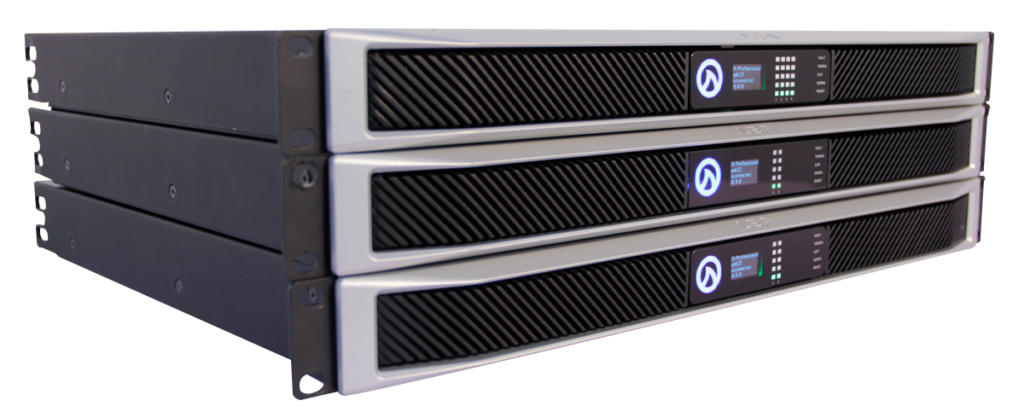
The CONNECTSERIES family of amplifiers can be connected to a network using Wi-Fi Mode. Amplifiers with Wi-Fi provide an easy method of connectivity for installations that don’t already have an infrastructure of network cables accessible. When all of your amplifiers are networked with Wi-Fi, you’ll be able to enter the IP address from any individual amp into a web browser and instantly monitor and control all amplifiers connected to the same Wi-Fi network.
There are two ways to network your CONNECTSERIES amplifiers with Wi-Fi:
Using the amplifiers AP Mode to access the network settings and enable Wi-Fi
Accessing the network settings via a wired connection first, using Cat5 or Cat6 cable
What You'll Need
Amplifiers With Wi-Fi: Networking Connect Series Amplifiers With Wi-Fi
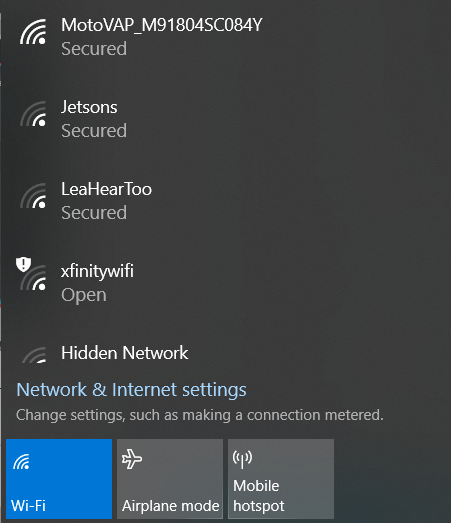
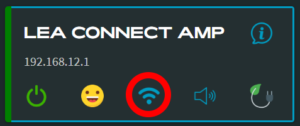
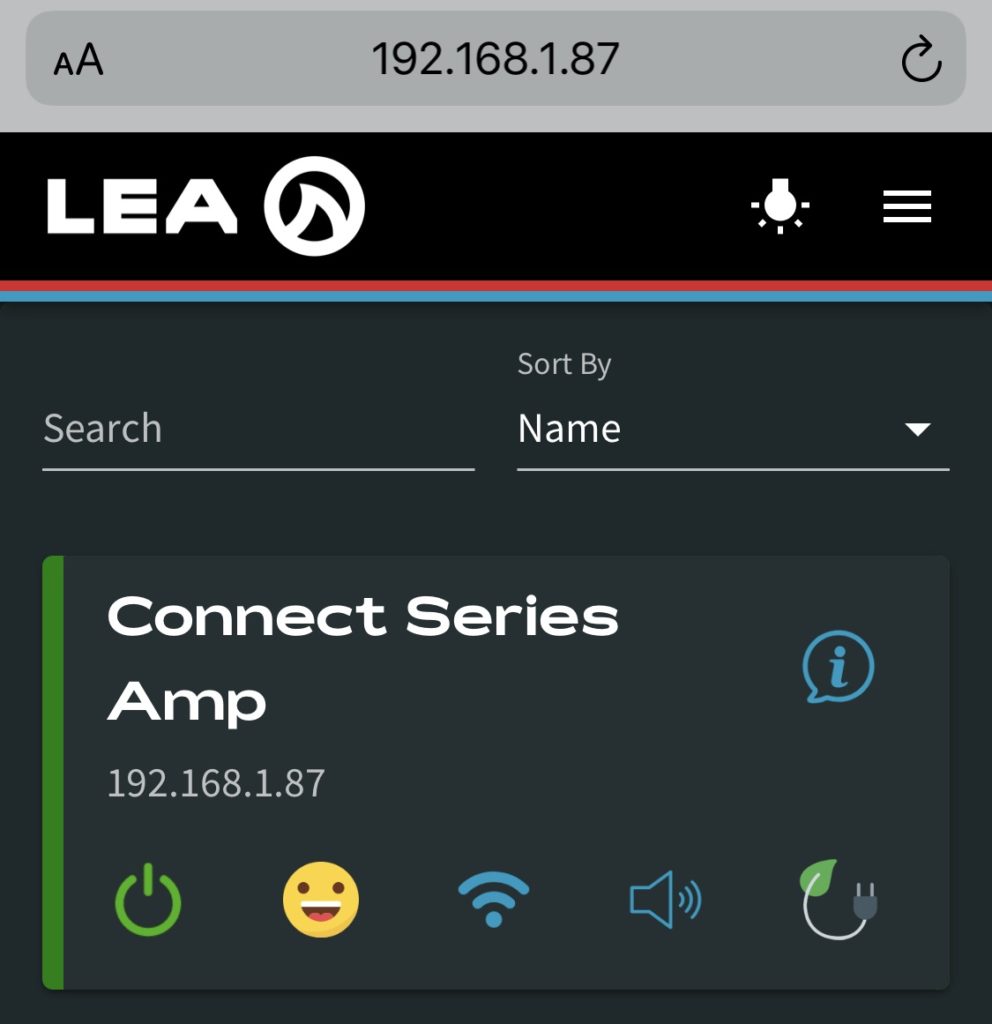
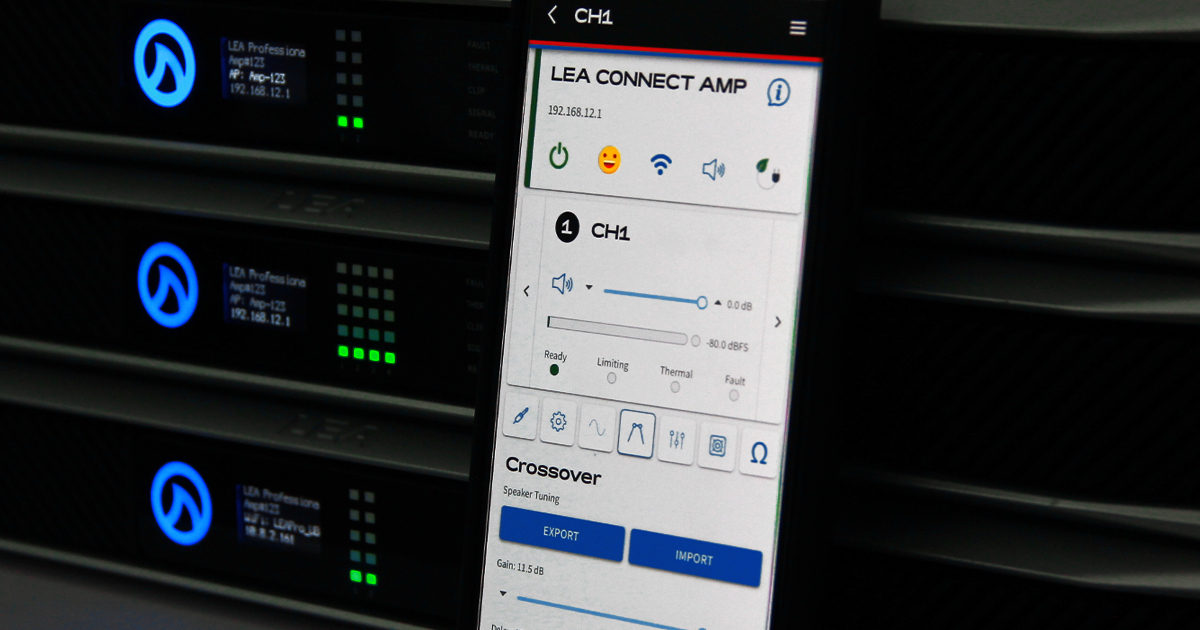
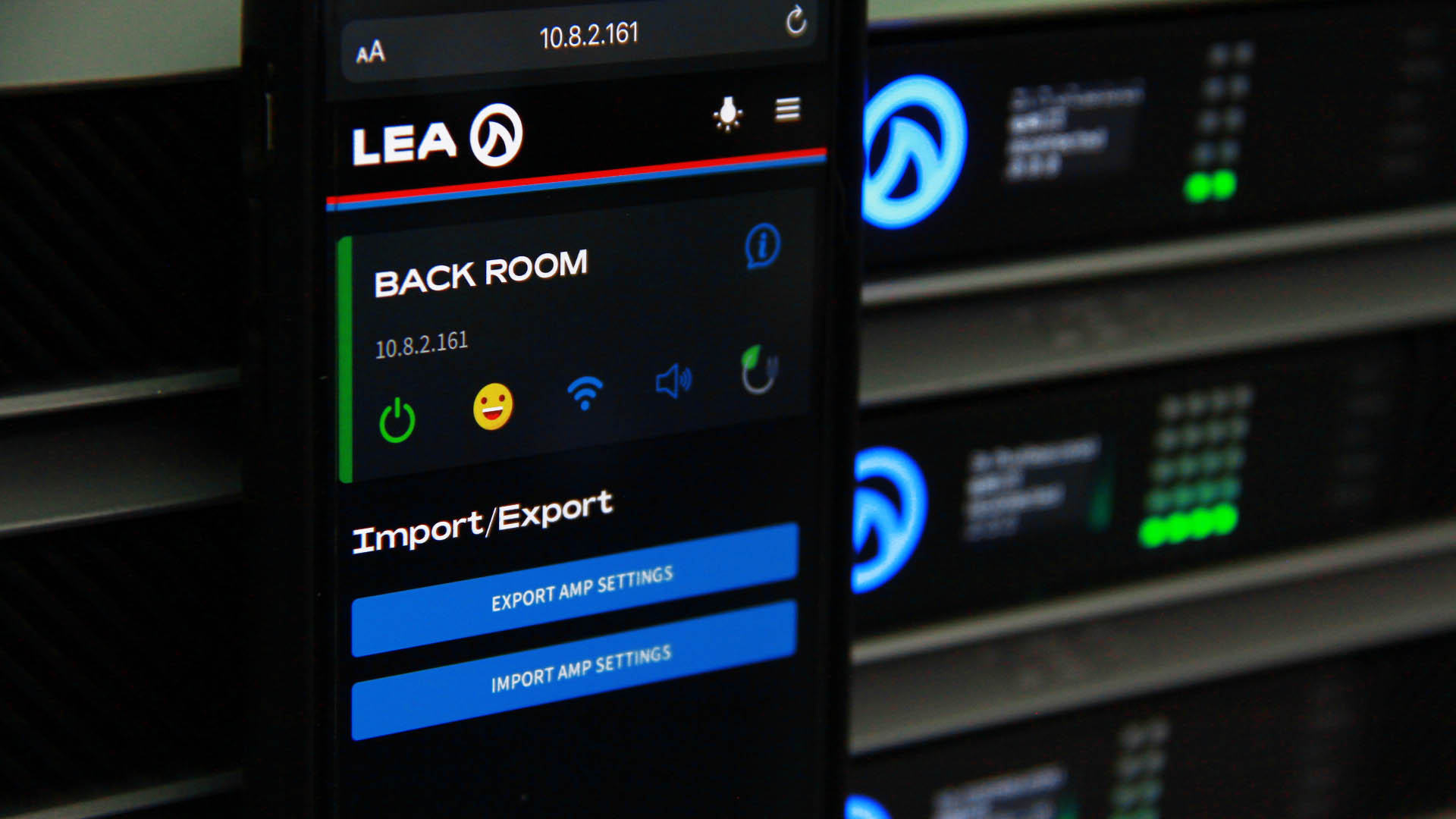
Once your device is connected to your amplifier in AP Mode, press the Wi-Fi icon that shows on the amplifier status screen within the Web UI. This brings you to the networking settings for your amplifier.
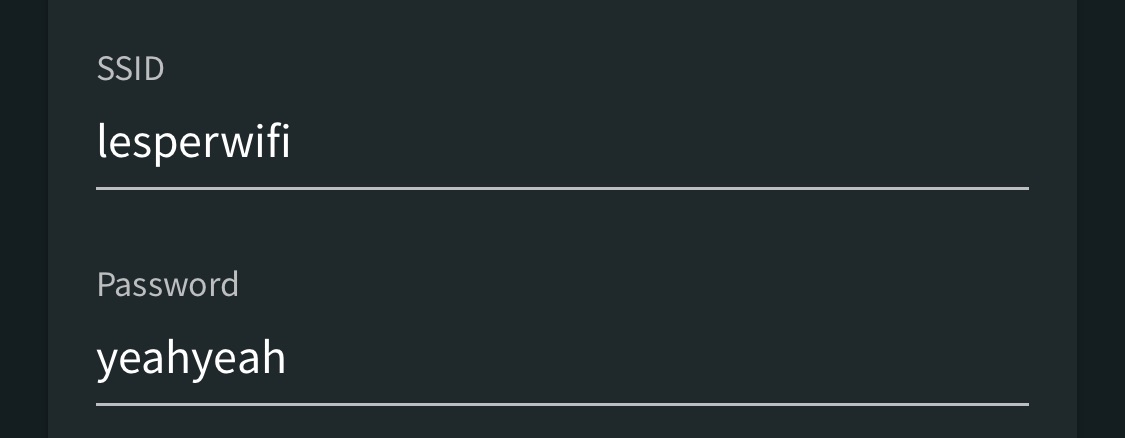
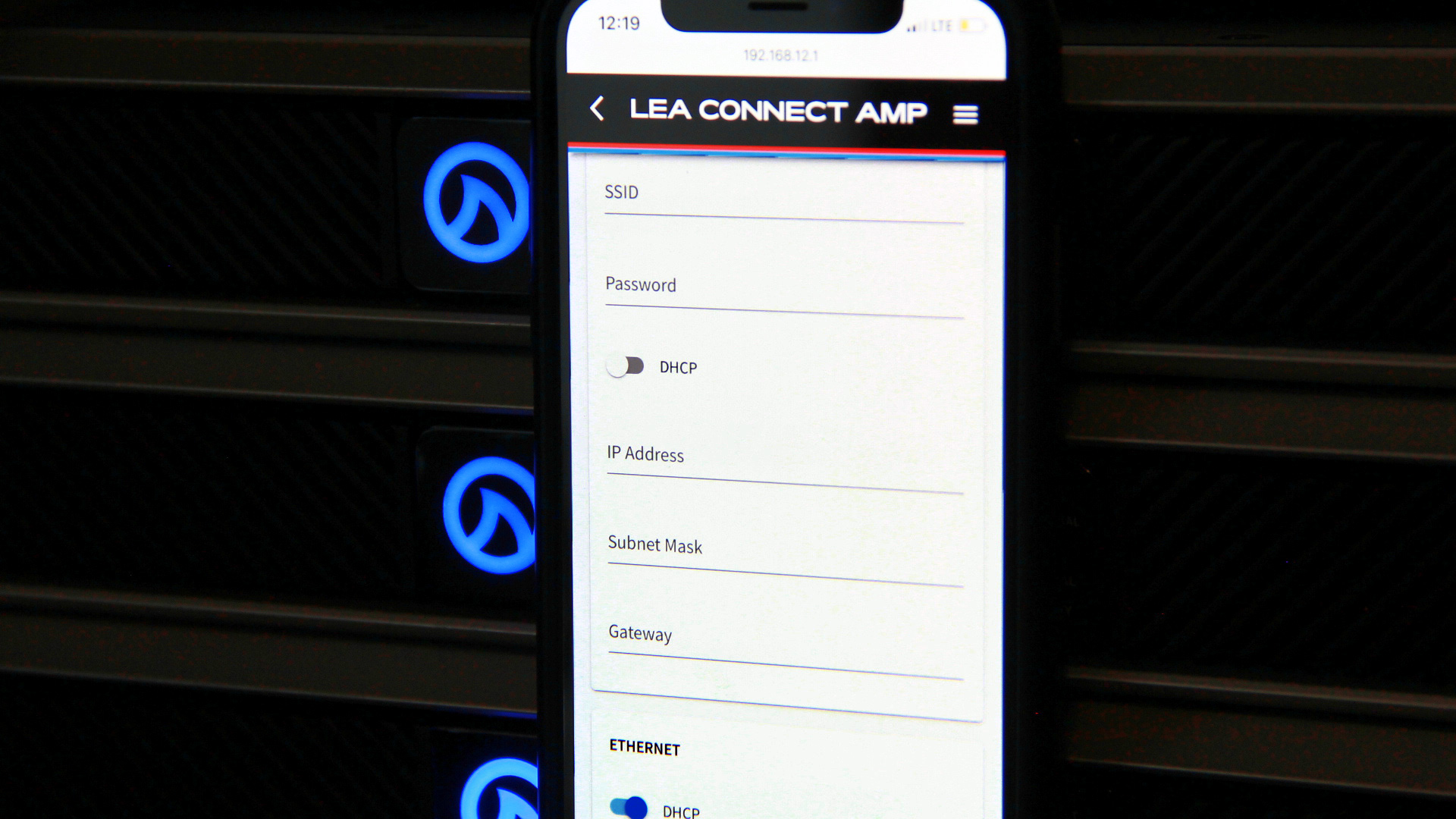
Now type in the SSID and password for the Wi-Fi network you want the amp to connect to.
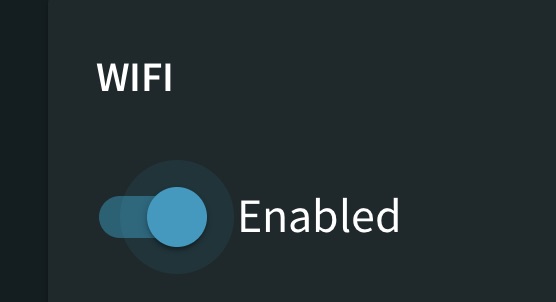
Once the SSID and password are entered, press the “enable” button to toggle the Wi-Fi on. When switch is “Blue” and to the right it is enabled.
Now, click “Save” in the upper right corner.
Once the Wi-Fi settings are saved to your amp, you need to push the Wi-Fi button on the back panel of the amplifier to switch the amp from AP Mode to Wi-Fi Mode. When the Wi-Fi button LED is “Green” then the amplifier is in Wi-Fi mode.
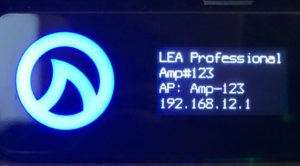
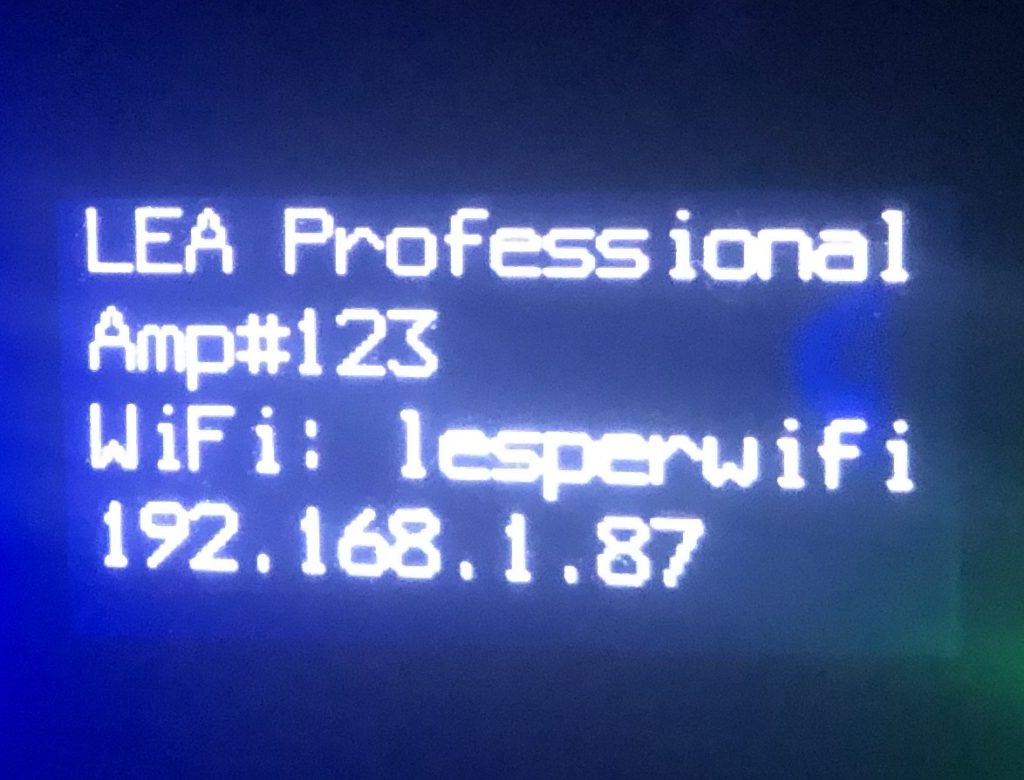
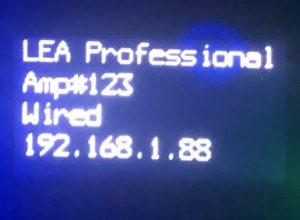
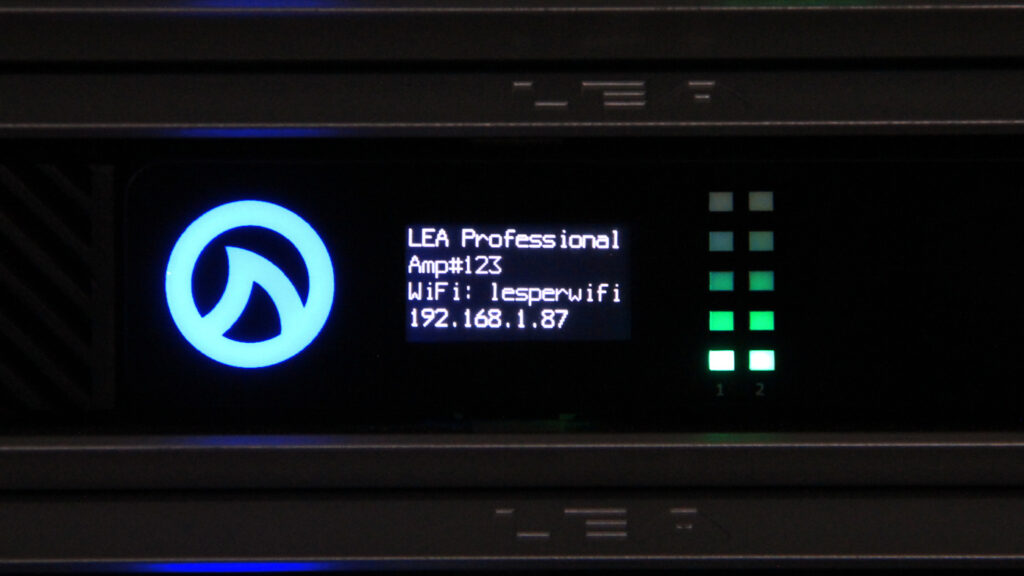
Your amp will now connect to the Wi-Fi network. To confirm it has successfully connected, check the front display of the amp and it will display “WIFI: (Network SSID)” and an IP address below that.
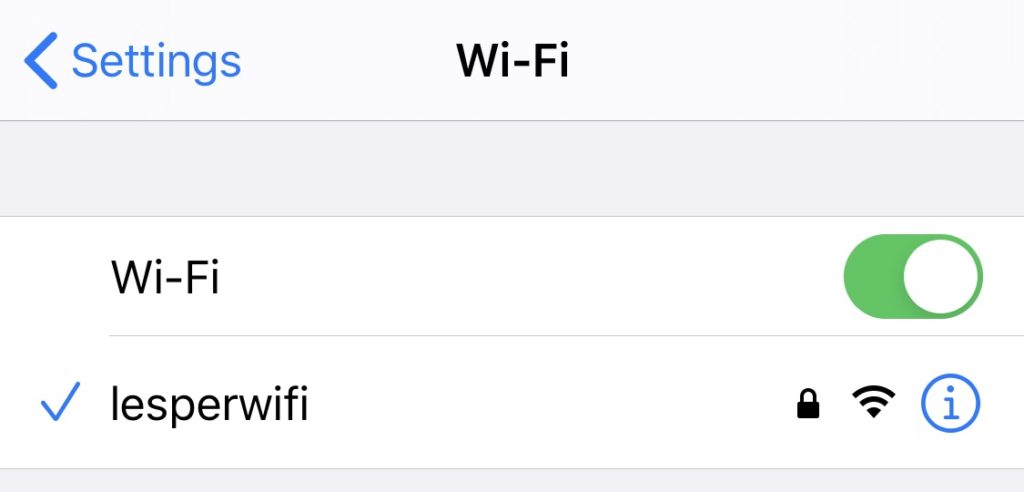
Once you confirm that your amplifier is connected to the Wi-Fi network, you need to go to your devices (PC, tablet, or phone) network settings and connect to that same Wi-Fi network.
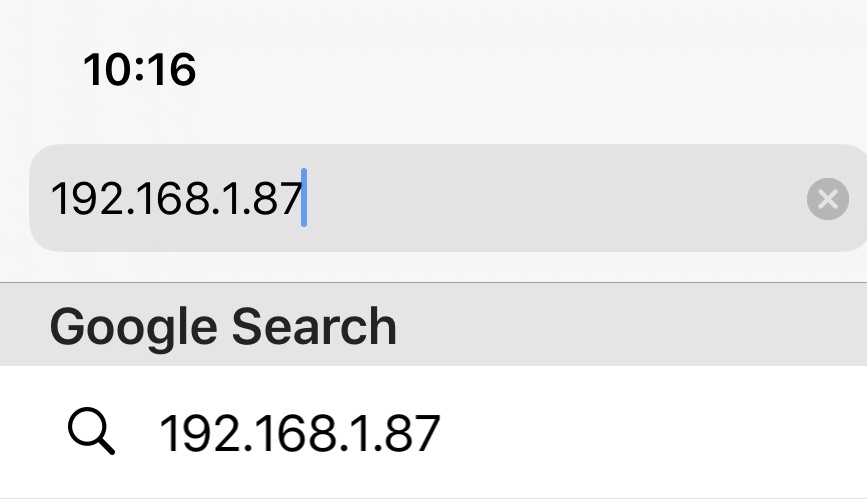
Once your device is connected, locate the IP address on the front display of the amplifier and type it into the web browser on your device (pc, tablet, mobile phone).
You are now connected to your amplifier via Wi-Fi and can control, monitor, and configure your amps settings.
Method #2: Connecting to Wi-Fi Mode From Wired Mode
Amplifiers With Wi-Fi: Networking Connect Series Amplifiers With Wi-Fi
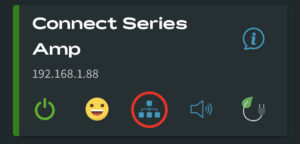
Once your device is connected to your amplifier in Wired Mode, press the network tree icon displayed on the amplifier status screen within the Web UI. This brings you to the networking settings for your amplifier.
Now type in the SSID and password for the Wi-Fi network you want the amp to connect to.
Once the SSID and password are entered, press the “enable” button to toggle the Wi-Fi on. When switch is “Blue” and to the right it is enabled.
Now, click “Save” in the upper right corner. Your amp will now automatically switch from wired mode to Wi-Fi mode.
Your amp will now connect to the Wi-Fi network. To confirm it has successfully connected, check the front display of the amp and it will display “WIFI: (Network SSID)” and an IP address below that.
Once you confirm that your amplifier is connected to the Wi-Fi network, you need to go to your devices (PC, tablet, or phone) network settings and connect to that same Wi-Fi network.
Once your device is connected, locate the IP address on the front display of the amplifier and type it into the web browser on your device (pc, tablet, mobile phone).
You are now connected to your amplifier via Wi-Fi and can control, monitor, and configure your amps settings.
If you have any questions or feedback about how to connect our CONNECTSERIES amplifiers with Wi-Fi Mode, feel free to leave them in the comments below or reach out to us on our social media channels.
Want more LEA content delivered directly to your inbox? Enter your email address below to be subscribed to our monthly newsletter and keep up with all of the latest news and content from LEA Professional.
This website uses cookies to improve your experience. We'll assume you're ok with this, but you can opt-out if you wish.AcceptRejectRead More
Privacy & Cookies Policy
Privacy Overview
This website uses cookies to improve your experience while you navigate through the website. Out of these, the cookies that are categorized as necessary are stored on your browser as they are essential for the working of basic functionalities of the website. We also use third-party cookies that help us analyze and understand how you use this website. These cookies will be stored in your browser only with your consent. You also have the option to opt-out of these cookies. But opting out of some of these cookies may affect your browsing experience.
Necessary cookies are absolutely essential for the website to function properly. This category only includes cookies that ensures basic functionalities and security features of the website. These cookies do not store any personal information.
Any cookies that may not be particularly necessary for the website to function and is used specifically to collect user personal data via analytics, ads, other embedded contents are termed as non-necessary cookies. It is mandatory to procure user consent prior to running these cookies on your website.

























i’m try lea 702D Amps via Wi-FI but it cann’t conected to my router
im folowing your instruction but still can not
pleass help me
Hello Hadi. Please contact us at:
Email: techsupport@b54f57fae4.nxcli.io
or
Phone: +1 (574) 345-0474